Section 2 Copy Mode - Monochrome 2-25
2.8.1 Preset Percentages
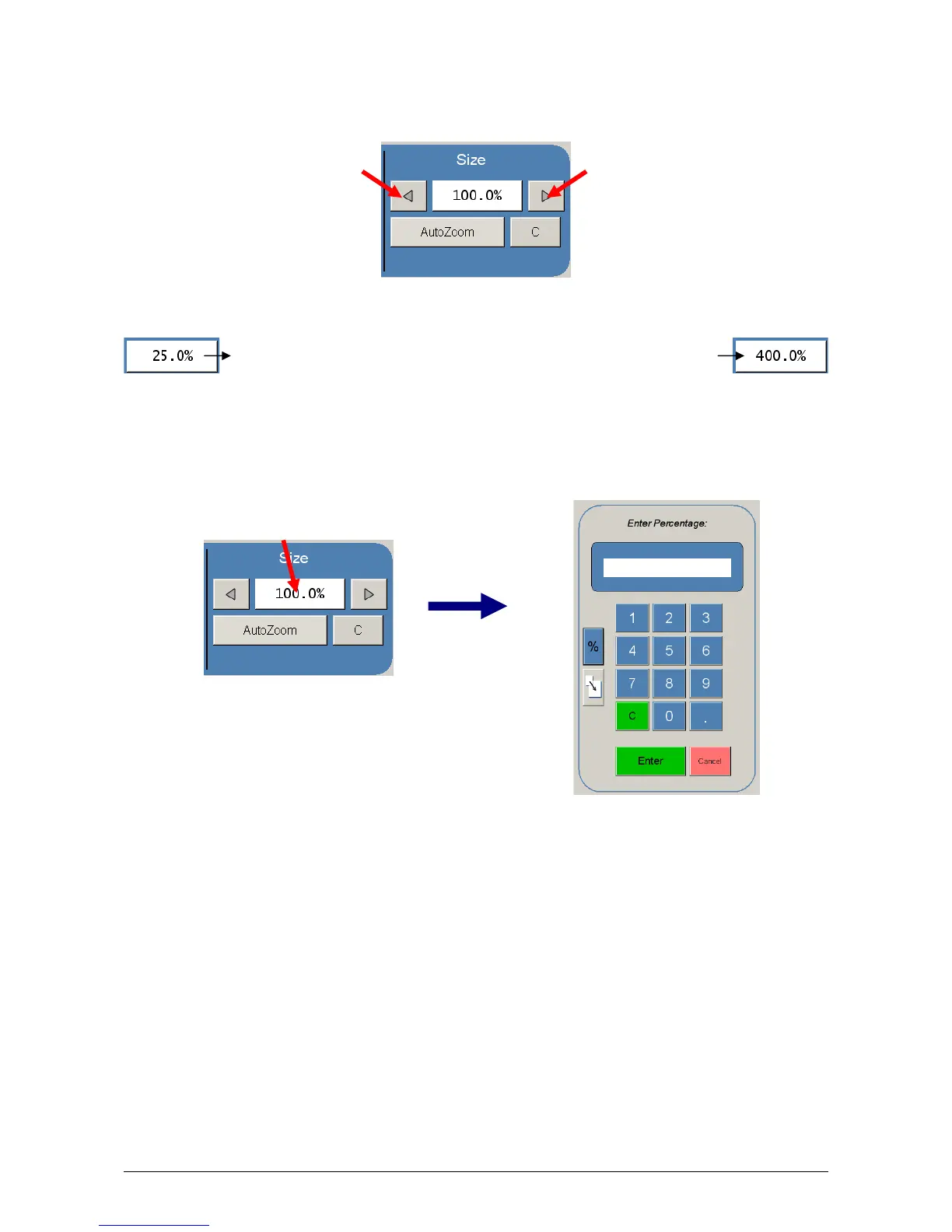
The KIP printer has several predetermined industry standard zoom percentages
used for quick access. These can be access with the arrow buttons.
The pre-programmed percentages are:
2.8.2 Percentage Key Pad
To enter a percentage directly into the UI,
a) Press on the Percentage value displayed (the number is a button).
b) This will show a keypad to enter the value. (Please note that the button
Manual on the side is a default.)
c) Press the desired zoom value and press enter.
50 - 66.7 - 70.7 - 100 - 141 - 150 - 200



 To Next Page