7-17 Section 7 “?” Screen
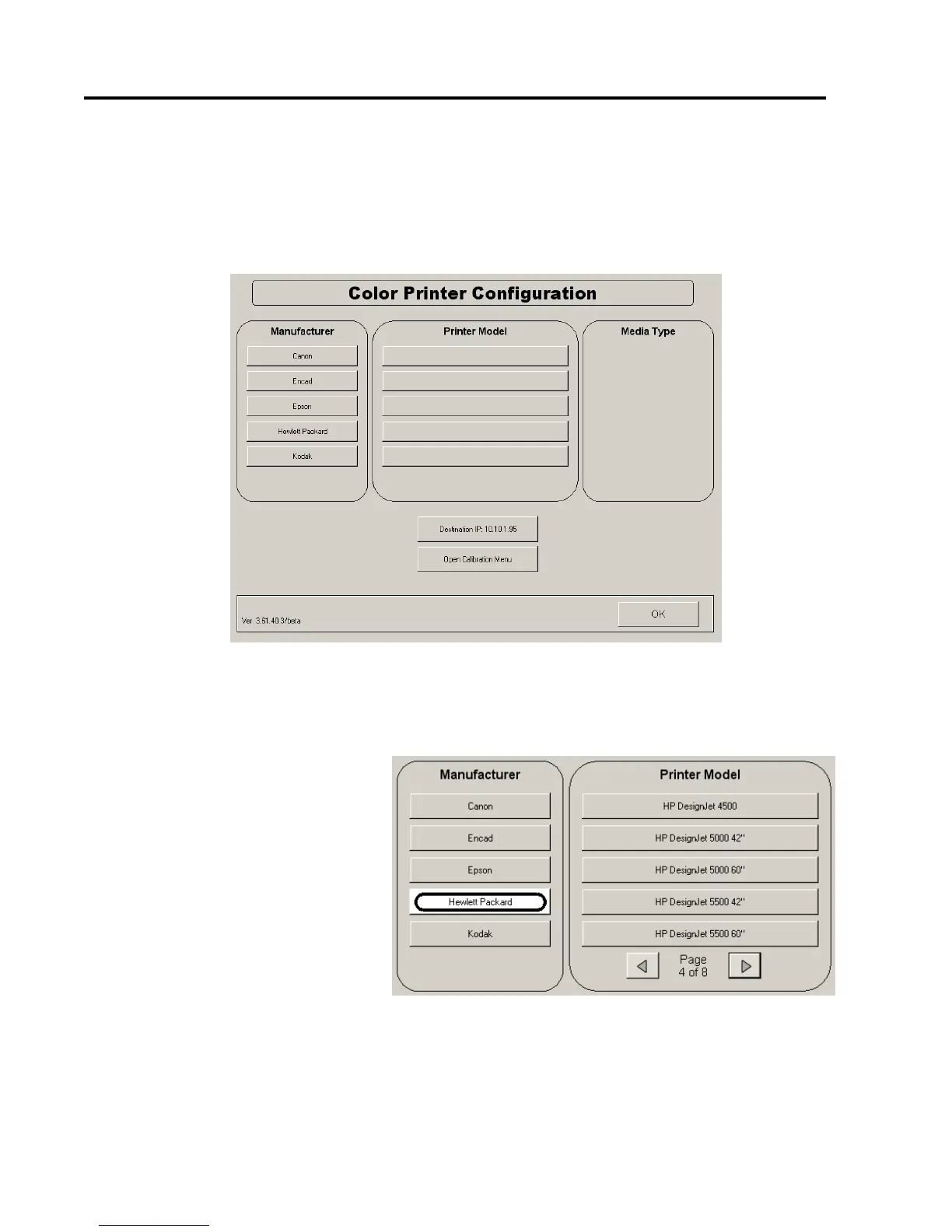
Color Configuration
Color function is an option with the KIP system. Please contact your local dealer
to acquire these functions if not already enabled.
This menu will allow
a) A third party color printer to be connected to the KIP IPS.
b) The KIP 600 to be calibrated to the printer and media type. This is a
simple closed loop calibration.
5.1 Manufacturer
For color mode operation (copy / scan), select from the list your third party color
printer’s manufacturer. If the manufacturer is not listed, it is not supported by the
KIP system.
5.2 Printer Model
a) After the manufacturer is selected, the model of your printer must be chosen.
b) Please scroll through the list using the arrow buttons until your printer model
is displayed.
c) Select the model.



 To Next Page