7-20 Section 7 “?” Screen
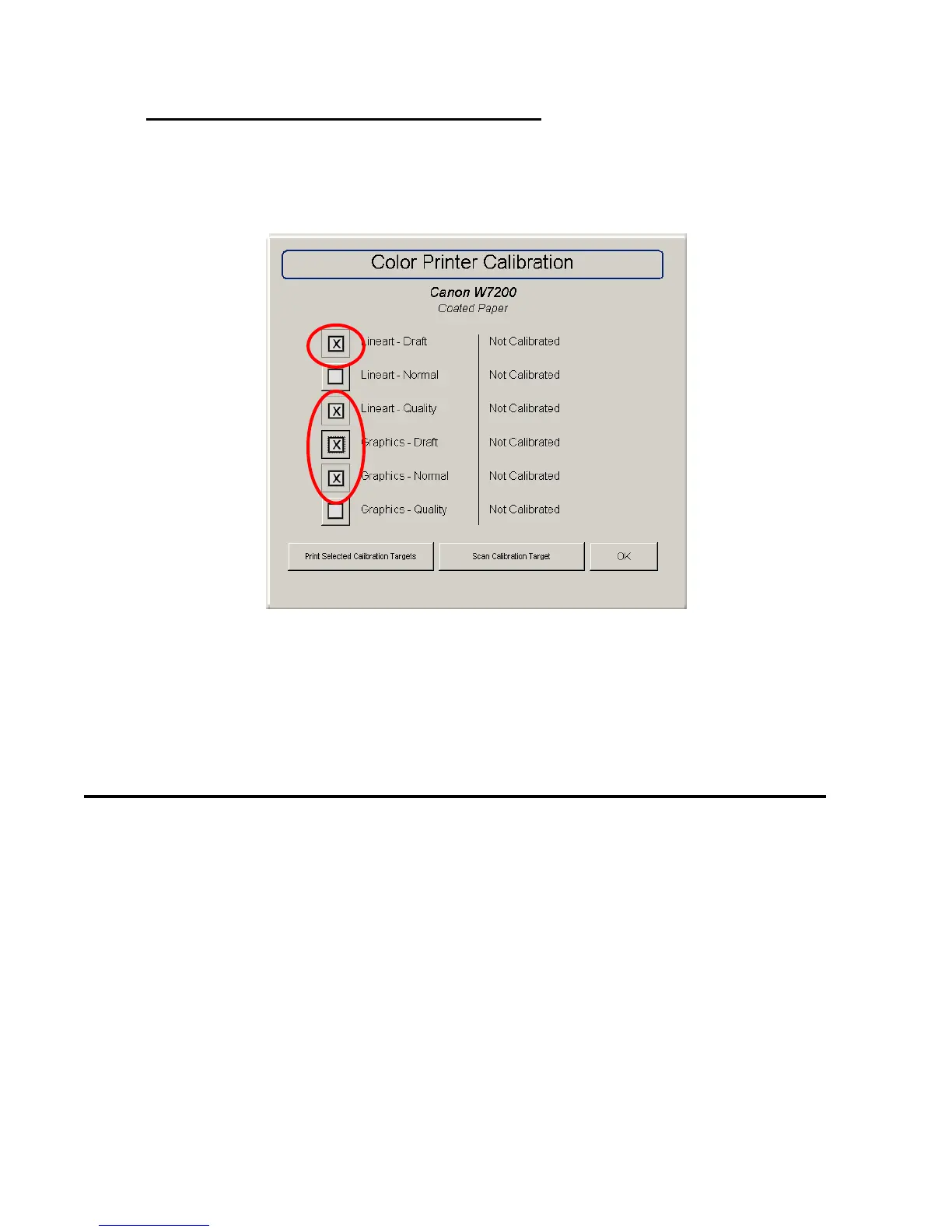
How to calibrate the KIP 600 for Color Printer Configuration
(For first copy / scan in color mode operation);
1. Specify your color printer. (See 5.1 to 5.4)
2. Select all of the following 4 modes.
3. Perform the above d) to g).
4. When finished all of the modes, turn the KIP 600 off and back on again.
6.0 Other Buttons
6.1 Service
This button is used to access service technician functions of the IPS. It is
password protected to prevent unwanted changes to the KIP printer.
6.2 Print This Screen
This button will print the main “?” screen. This include the meter counts, versions,
etc. which are printed on the KIP printer. This can be useful for troubleshooting or
for record keeping.



 To Next Page