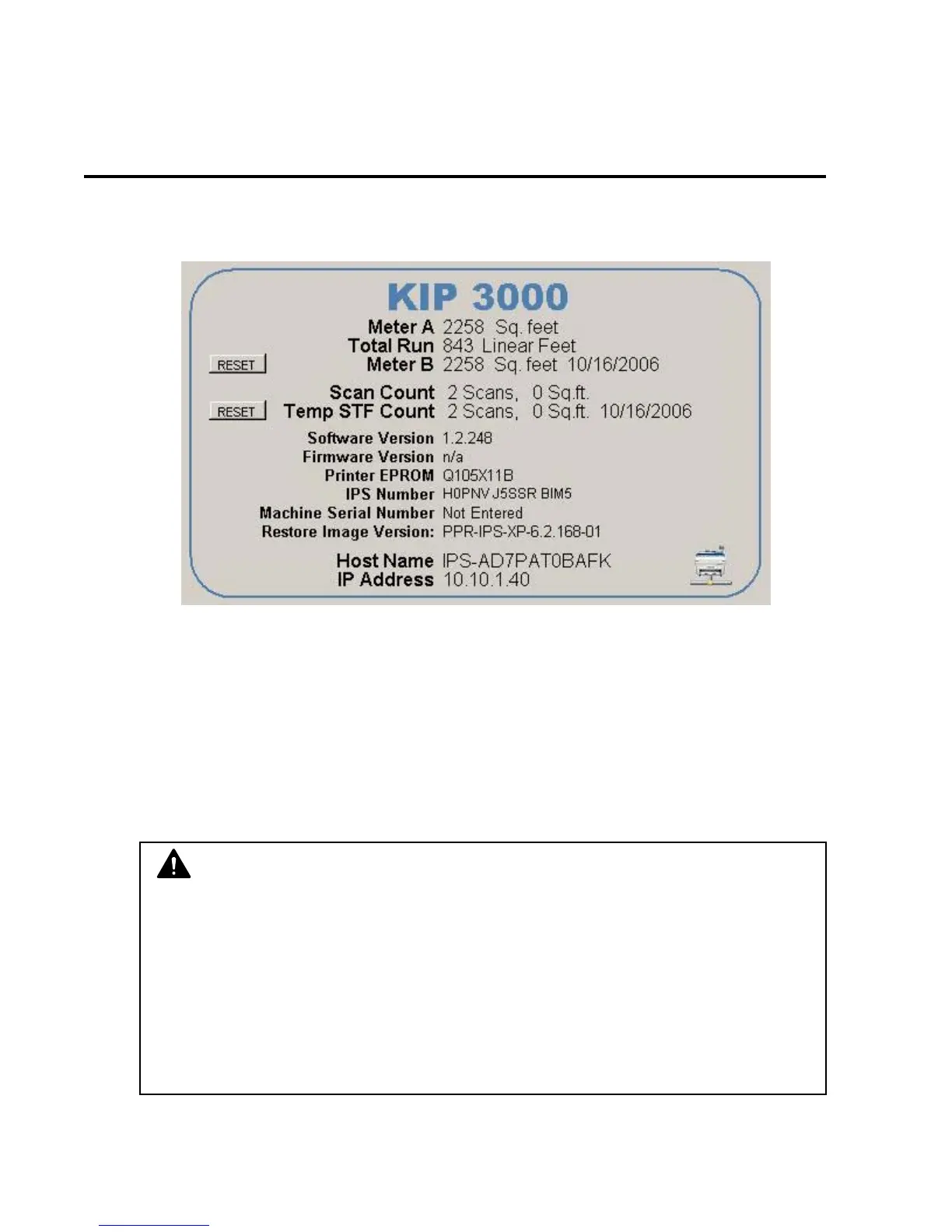
7-4 Section 7 “?” Screen
2.0 Main Screen - Details
2.1 Information Region
This area of the Screen includes meter counts and software versions.
2.1.1 Meter A
Displays the total number of units run on the printer. This counter should match
the hard counter on the right mid- front section on the printer. This unit is in
square feet in North America and in Square Meters in all other countries. (when
printer set to metric mode)
English mode: 1 count = one square foot
Metric Mode: 1 count = one square meter
NOTE
If this counter differs from the hard counter on the printer, contact your local
service company!
The units of this counter are from the internal processor of the printer and can
be “reset” if care is not taken upon replacement of the DC Controller if ever so
needed. Please see KIP printer’s Service Manual for details on the setting
procedures.
Any discrepancies: the hard counter shall be taken as the correct value!



 To Next Page