Section 2 Copy Mode - Monochrome 2-7
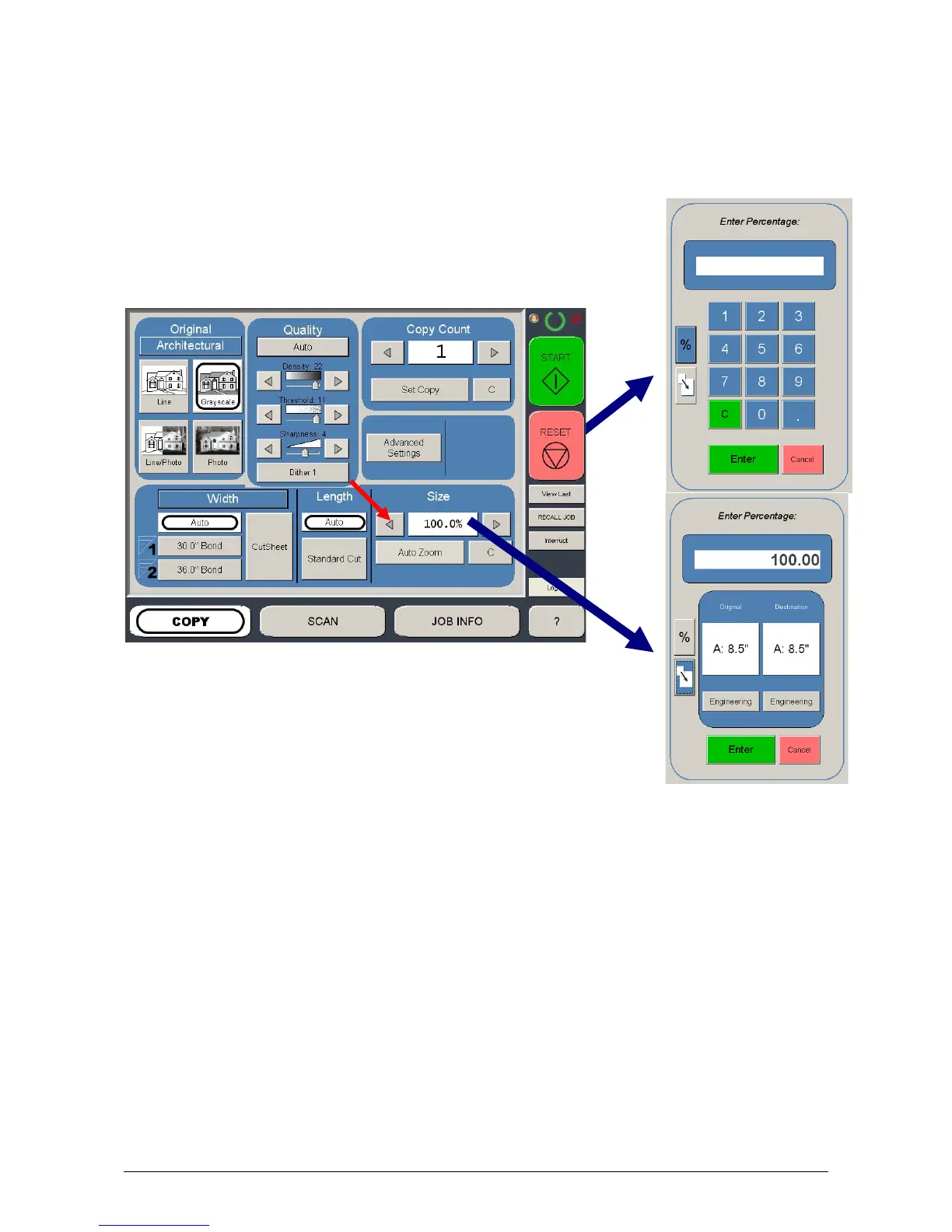
1.2.7 Size
Select
a) AutoZoom to automatically zoom to the width of paper or
b) press the arrow keys to scroll through presets ratios or
c) press on the Zoom number to enter a ratio on the key pad
1.2.8 Insert Original
Using the guides on the feed table, center the original face up and push forward
until the KIP 3000 accepts it.
The KIP 3000 will automatically commence to copy. While this occurs the image
will be displayed on the Operator Panel for your reference.



 To Next Page