Section 5 Scan Mode - Color 5-9
2.3.4 Rotation
The file can be saved rotated from the actual feed direction. This can be used to reduce
the scan time on certain orientation of originals, when they are archived.
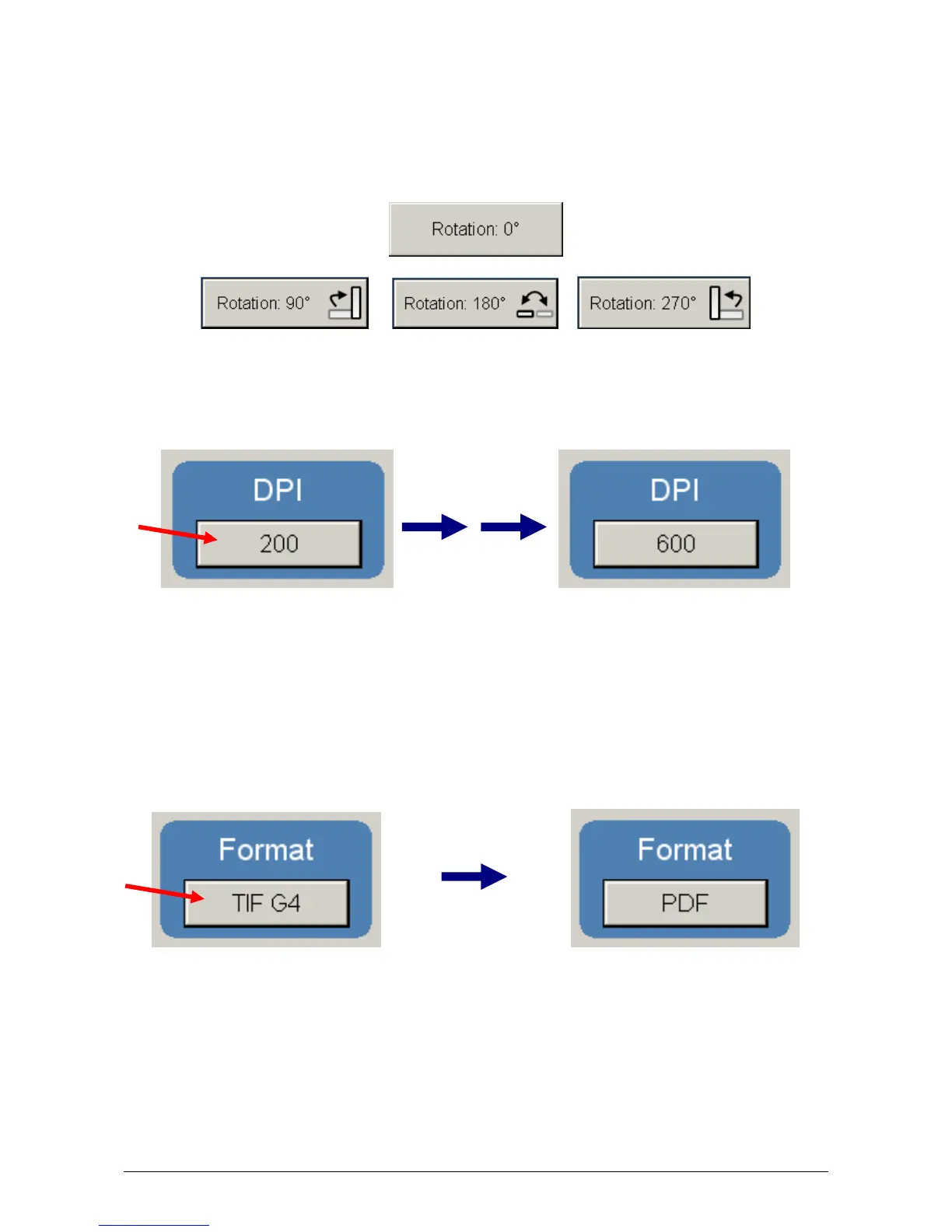
Press the “Rotation” button to select either one of four settings:
2.4 DPI
Scroll through the DPI button to select the required scan resolution.
Choices are 200, 300, 400 or 600 DPI.
2.5 Format
Press the “Format” button to scroll through the file formats available.
TIF Packbit
JPEG
PDF Color
Select the file type required to save the image into this format.
300 400



 To Next Page