7-15 Section 7 “?” Screen
Page 5 of 6
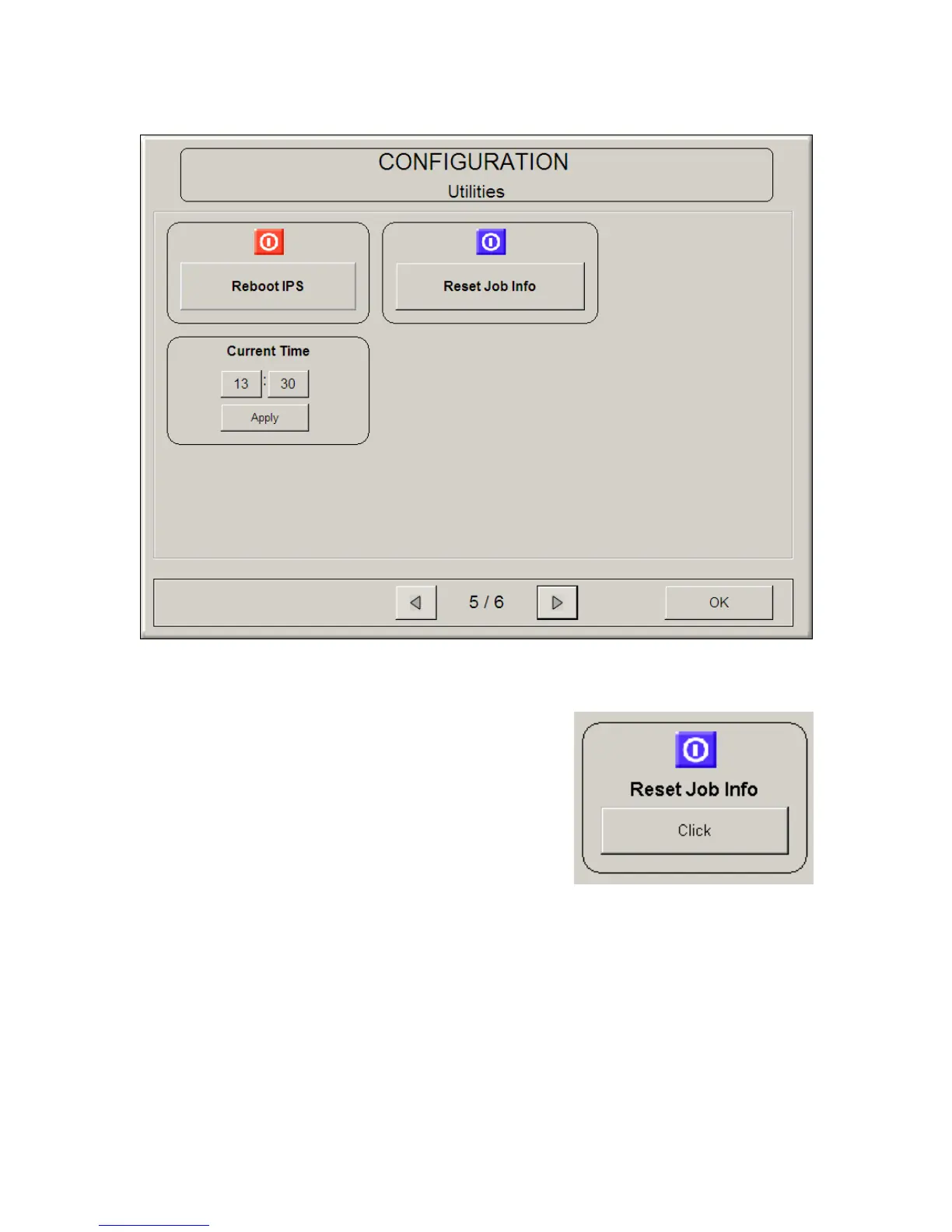
4.15 Reset Job Info
If the current job in the Job Info queue is printing
unsuccessfully, the user can manually cancel the
file within that job. This is done by going into the
“Help/Info” screen and then to “Configuration”.
Select the “Reset Job Info” button. An
identification sheet will print out and the print
queue can now continue printing.
4.16 Reboot IPS
This button will restart the IPS, when the system is not responding / printing
correctly.
4.17 Current Time
Set the current time using the arrow buttons. Please note that the Time Zone
may need to be set. Please contact your Local KIP Dealer to set the correct Time
Zone.



 To Next Page