7-16 Section 7 “?” Screen
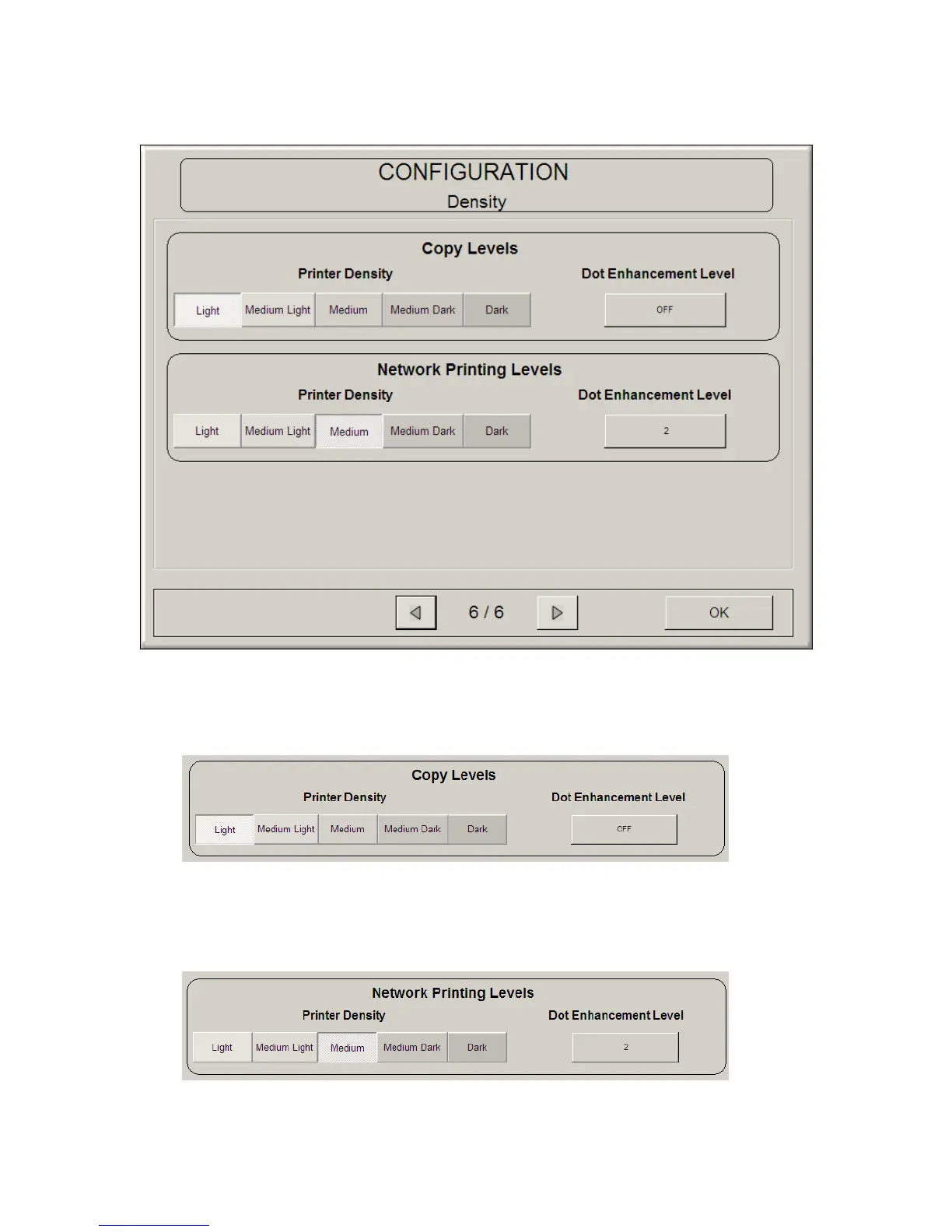
Page 6 of 6
4.18 Copy Density
Sets the printer toner density level. This affects all images that are sent via the
KIP IPS COPY menu.
4.19 Printer Density
Sets the printer toner density level. This affects all images that are sent via KIP
Request, KIP Windows Driver, AutoCAD driver, KIP PrintNet, LPR, etc.



 To Next Page