Section 1 Basic Printer Functions 1-34
3. 1. 1. 4 Fuser Jam
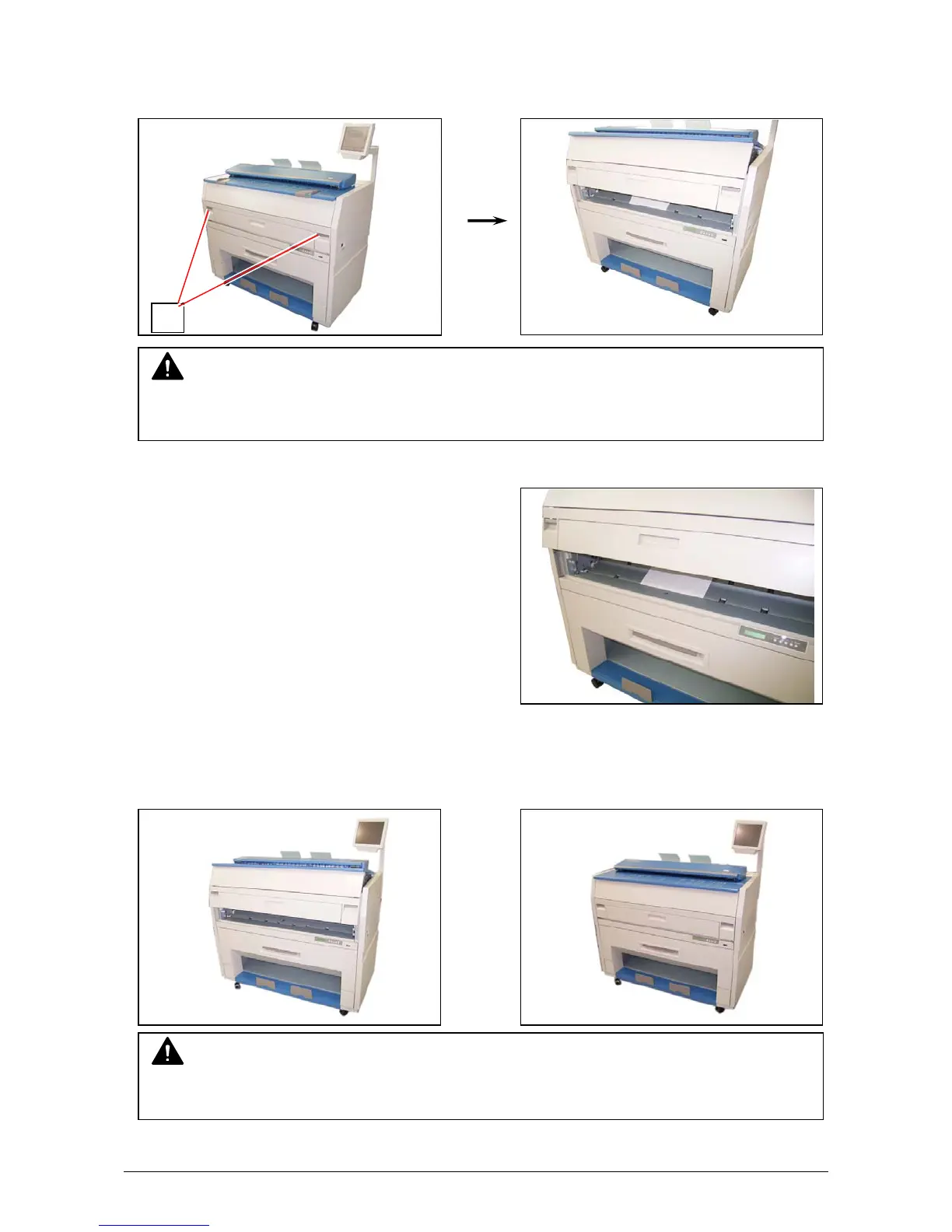
1. Pull up the Engine Unit Open Levers (1) to open the Engine Unit.
2. Remove the mis-fed paper if seen.
3. Close the Engine Unit firmly.
Refer to the next page when the mis-fed paper cannot be seen or removed.
1
NOTE
Be sure to close the Engine Unit firmly until it is locked at the correct position.
NOTE
Do not open the Engine Unit when the Scanner Unit is opened.
If the Scanner Unit is o
ened
it will hit the bottom of User Interface.



 To Next Page