Section 2 Copy Mode - Monochrome 2-18
2.6.1 Auto
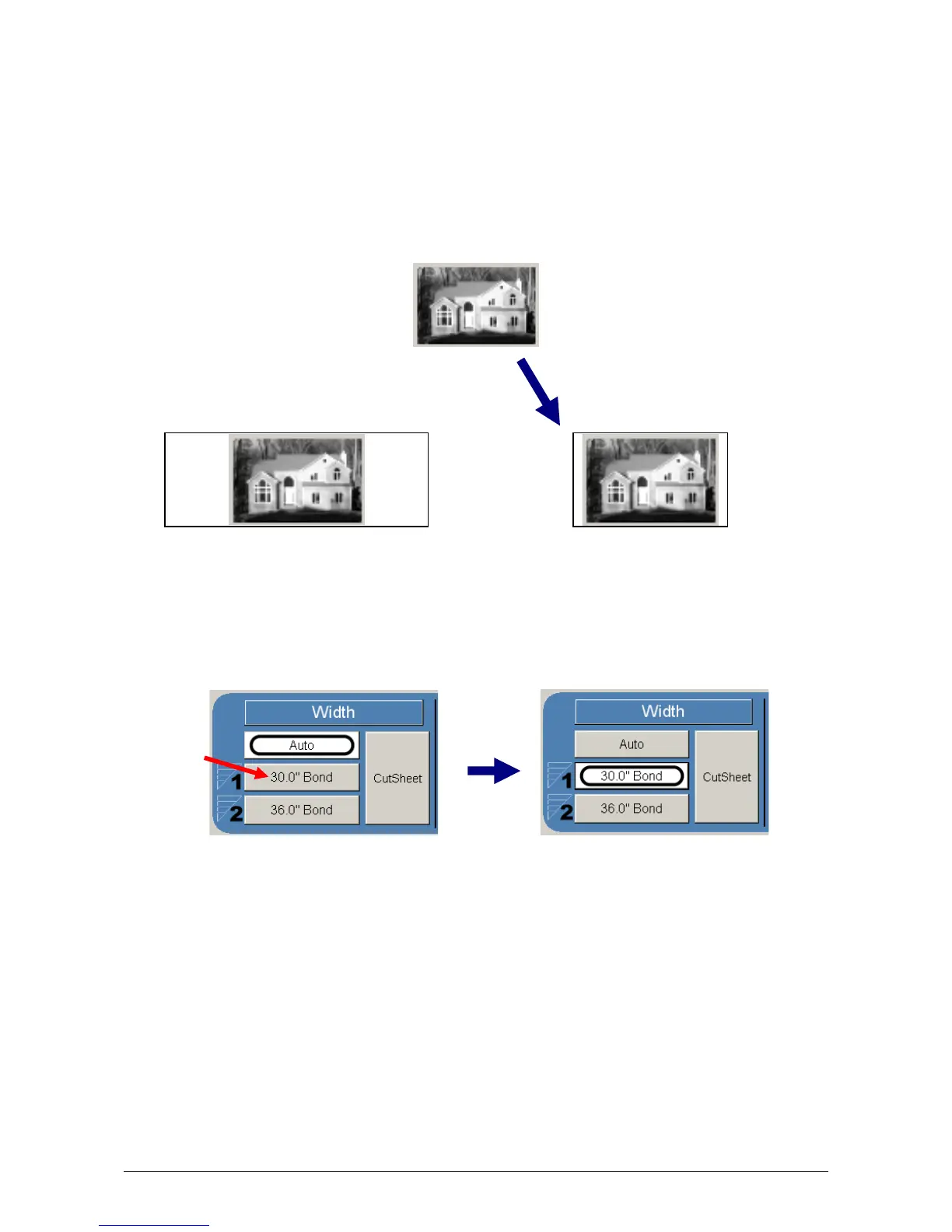
This default setting allows the copier to automatically select the best media roll
width to print the image onto. It selects the roll noting the amount of image area to
prevent surplus media consumption. (applies to the option - two or more roll model)
Example:
22” original
36” and 24” bond media installed
Original is 22” wide
36” installed 24” Installed
excess non-imaged media has the best image to media fit
therefore this roll will be used
2.6.2 Manual Roll Selection
To select a roll deck, press the roll deck desired. Note that the roll information is
displayed in the roll deck button.



 To Next Page