Section 5 Scan Mode - Color 5-4
This will allow automatic image quality adjustments for the color scan.
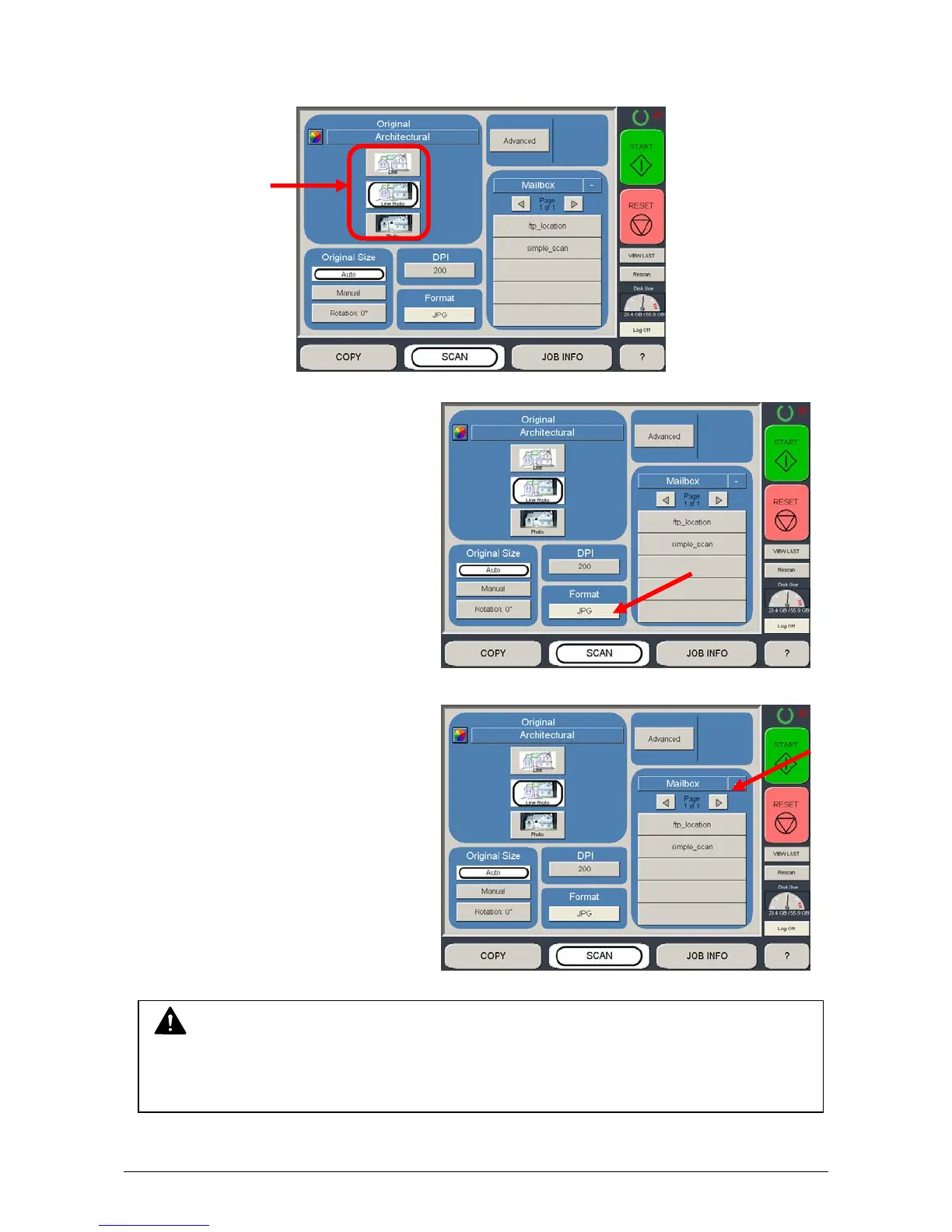
1.2.4 Select Format
Press the button to scroll through the
file formats available.
TIF Packbit
JPEG
PDF Color
Select a desired file format.
1.2.5 Select Mailbox
Select the location to where the file will
be saved. Use the “Page Arrows” to
view other choices currently available.
NOTE
The Mailboxes are predetermined by the system administrator or key operator.
Please contact these persons for any additional locations that you may require. The
“Mailbox” button will allow for additional location entries.



 To Next Page