Section 2 Copy Mode - Monochrome 2-14
2.5.3 Fold
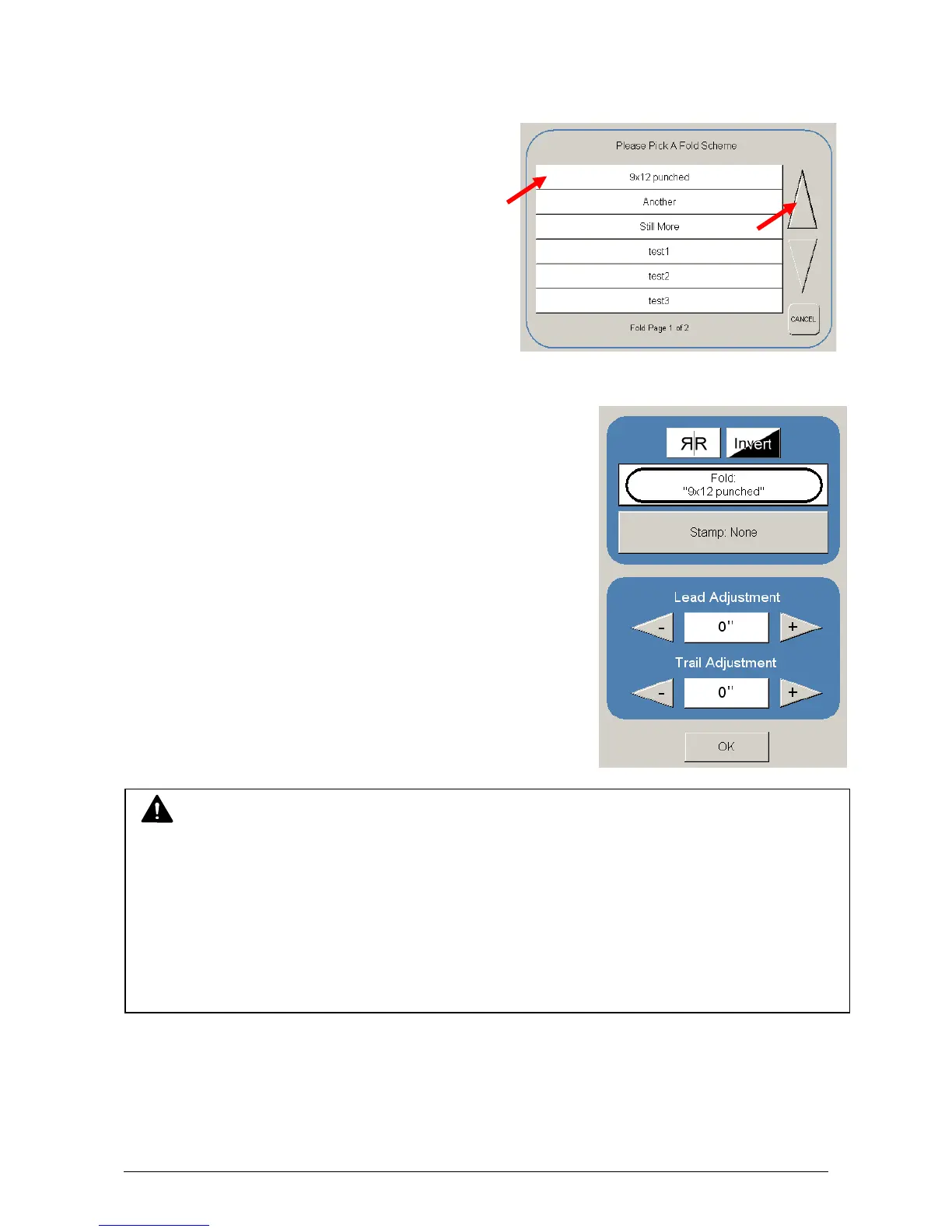
Select “Fold” to display the fold sub screen. This will allow the selection of a “Fold
Pattern” to be applied to the copy.
a) Use the Arrow buttons to scroll through
the available folds and select a desired
fold from the list.
b) The fold selected will be displayed in the button.
c) Select OK.
NOTE
The list of “Folds” is loaded into Copy Mode by the system administrator or key operator.
They can not be altered or modified in any manner on the UI.
Please contact these persons for any additional stamps that may be required.
Please see “KIP Request” for these functions.
An optional KIP Folder must be purchased to enable these functions.



 To Next Page