Section 2 Copy Mode - Monochrome 2-24
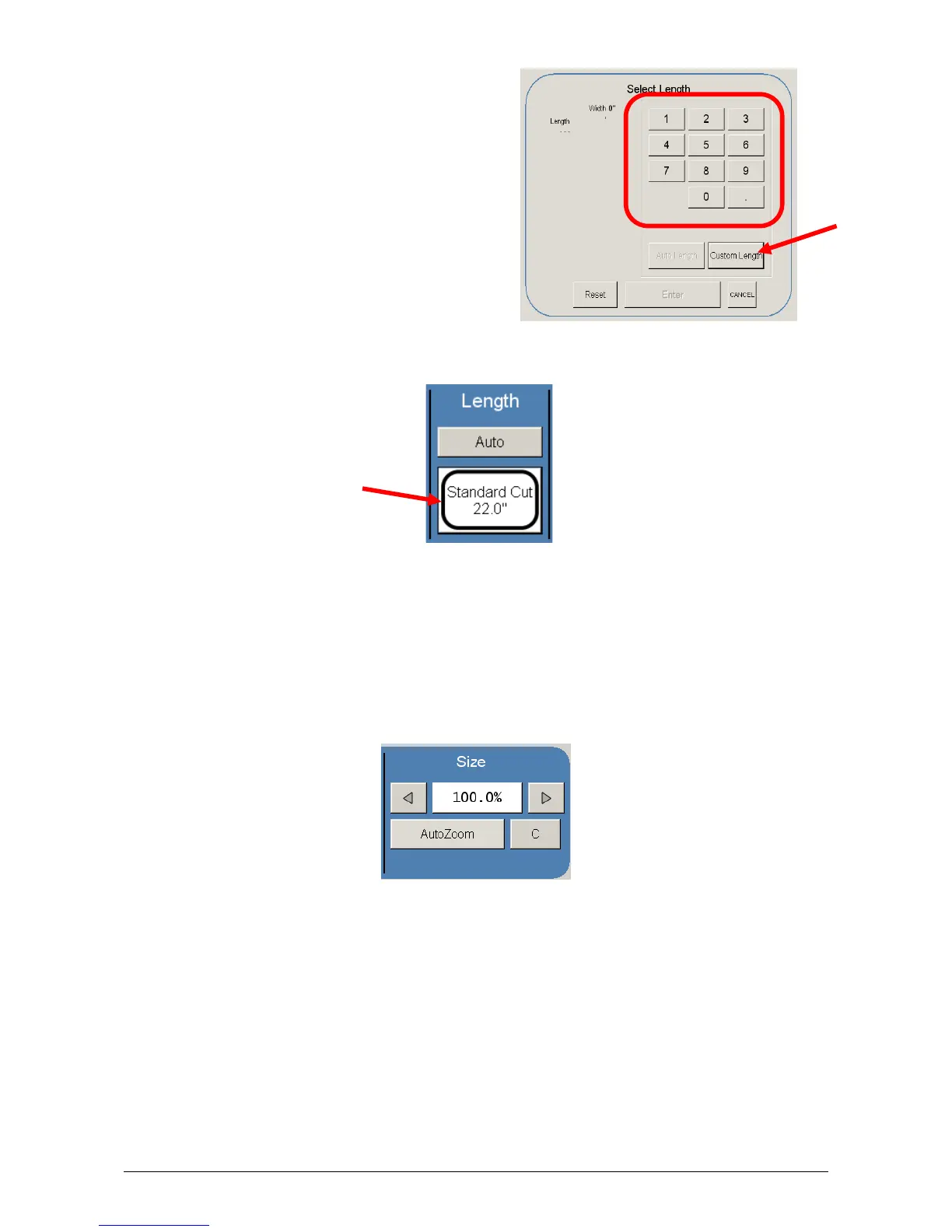
e) Custom Length – set the custom length
in the key pad and press enter
f) The cut length will now be displayed in the main Copy screen in the Standard Cut
button.
2.8 Size – Zoom
Image size / Zoom can be altered in this region on the UI. This includes automatic
zooming, predetermined percentages, or ratio calculations to page size, and simply
percentage increments.



 To Next Page