7-18 Section 7 “?” Screen
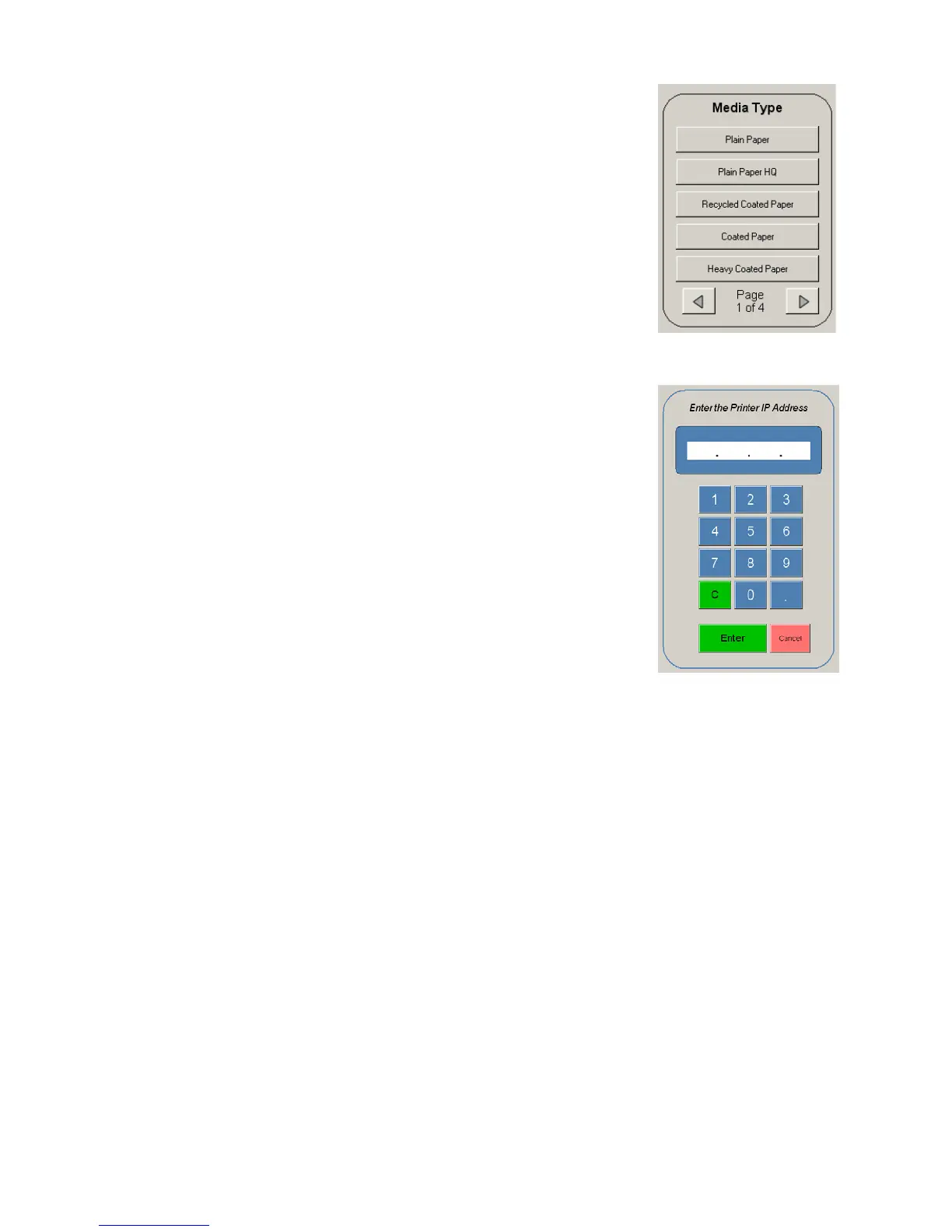
5.3 Media Type
Only some models of some manufacturers will require the media
to be set. If displayed, select the media type that is loaded and will
be copied onto.
5.4 Color Printer Destination IP
The specified printer will have an IP address assigned to
spool data to it. Please enter the IP address here. Please
contact your local IT administrator for this information.



 To Next Page