Section 2 Copy Mode - Monochrome 2-20
Select desired settings from the main copy screen. Feed your original (s) into the
KIP 3000.
c) Prepare Cut Sheet Feeder on your printer and WAIT until prompted by the UI.
d) Insert the original into the Cut Sheet Feeder.
Note:
Only one cut sheet may be fed at a time and this function will time out after 3
minutes if no paper is inserted.
Note:
DO NOT insert the cut sheet media into the feeder while printing from a roll deck,
as this may cause the printer to jam.
2.6.5 Copying to Multiple Cutsheets
1. Follow steps above (2.6.4)
2. After a short period of time the Printer will beep notifying the user to insert the
cutsheet into the Cutsheet feeder, the Job Info button will also flash be flashing.
3. Once the cutsheet has been printed there will be a short pause and the printer
will start to beep again. Insert the next cutsheet into the printer
4. Continue for multiples.
Note:
Only one cutsheet may be fed at a time and will time out after 3 minutes if no paper
is inserted.
Note:
DO NOT insert the cut sheet media into the feeder while printing from a roll deck,
as this may cause the printer to jam.
2.6.6 Media Remaining
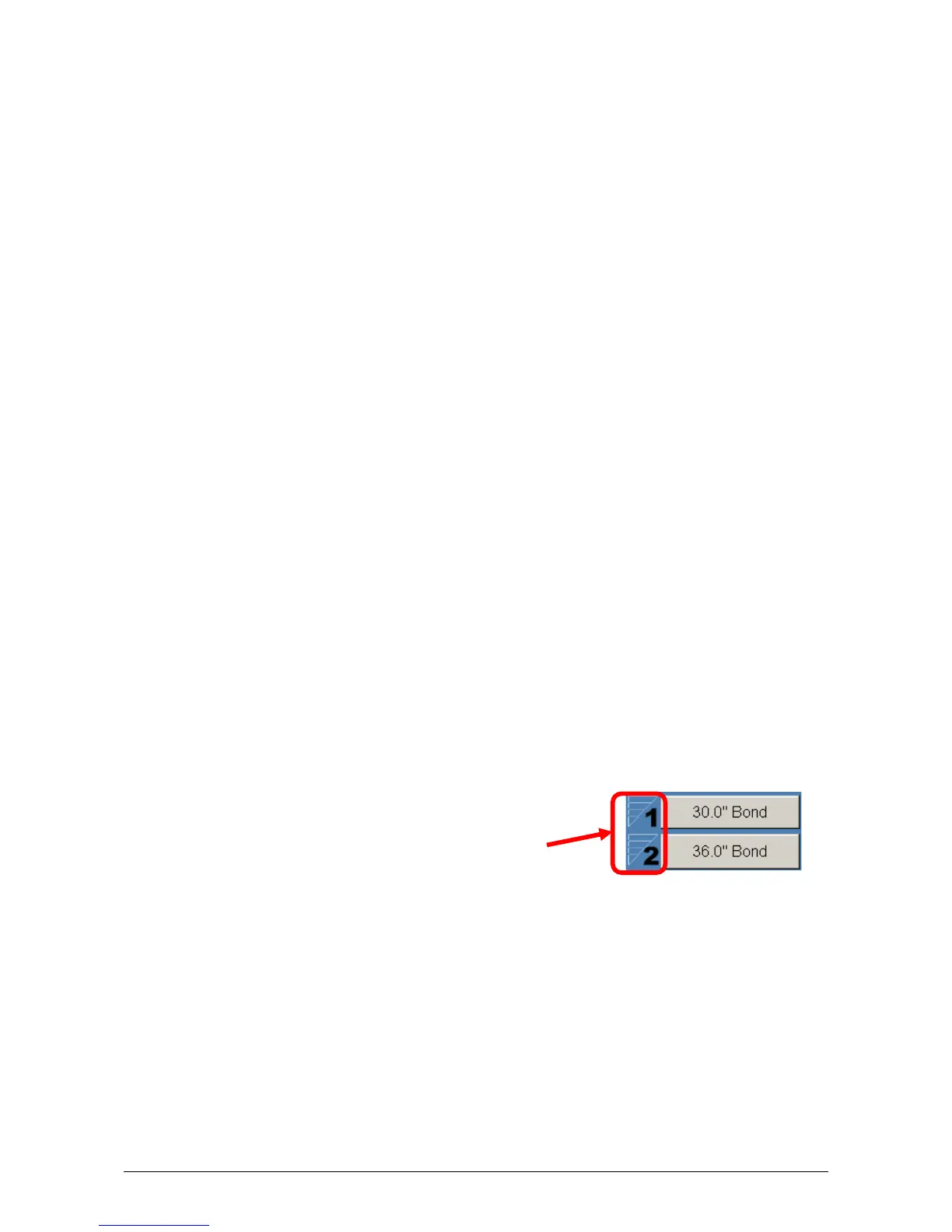
The installed roll information is displayed in the button of the particular roll deck.
Beside each deck is a volume of media that currently is left on the roll of media.
Indicators will display full, ¾, ½, ¼ or empty.



 To Next Page