Section 10 KIP Request 10-24
(Method A)
2.5.5.1 Use Folder Settings…on
Printer
Use this button to enable the
printer to determine the
orientation and fold pattern.
(Method B)
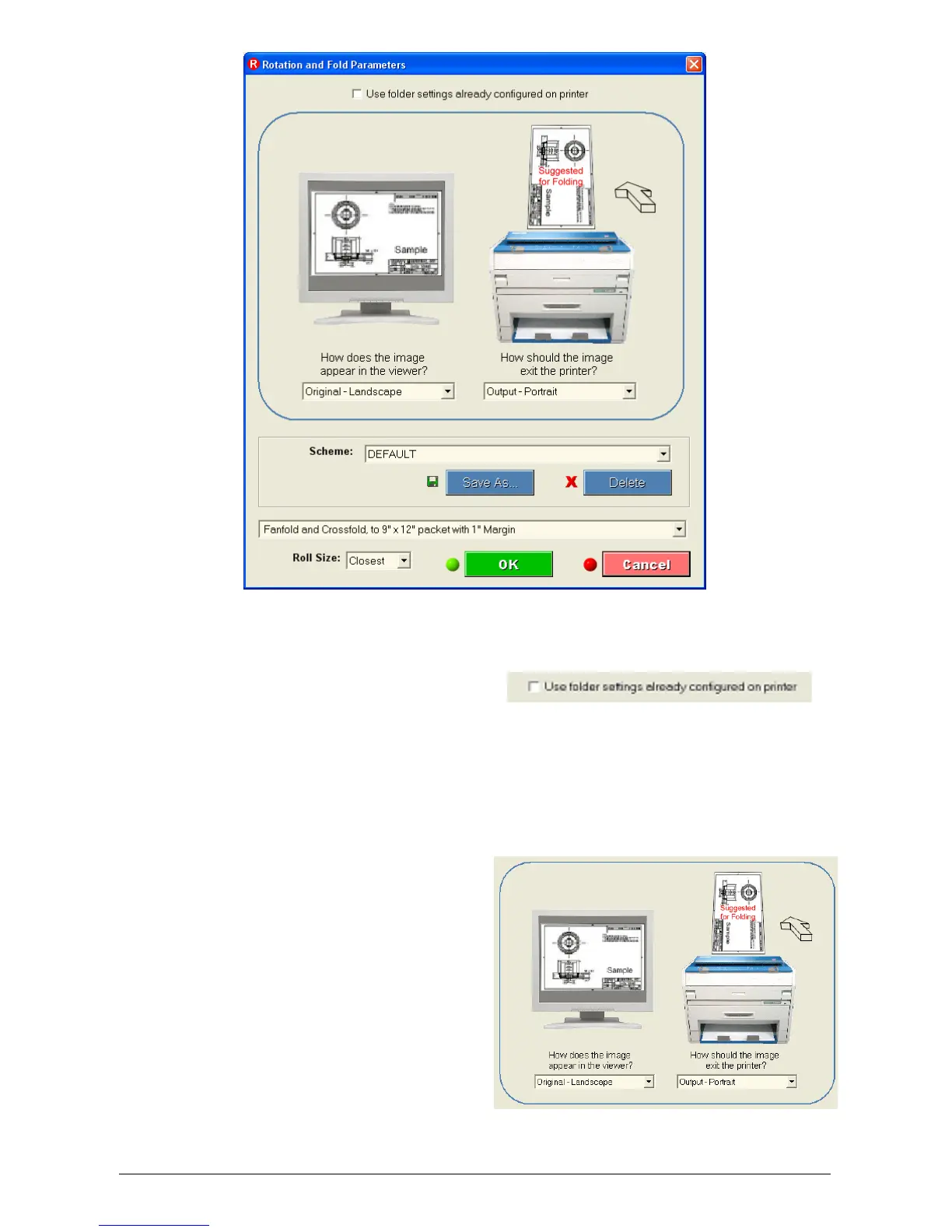
2.5.5.2 Orientation
This allows the user to select the
file orientation and output
orientation of the fold. The output
is important due to the fact that
folders require the title block in a
particular corner. This is
dependent on the model of folder.
Left Side is for the file
Right Side for Output



 To Next Page