Section 4 Scan Mode - Monochrome 4-13
2.6 Format
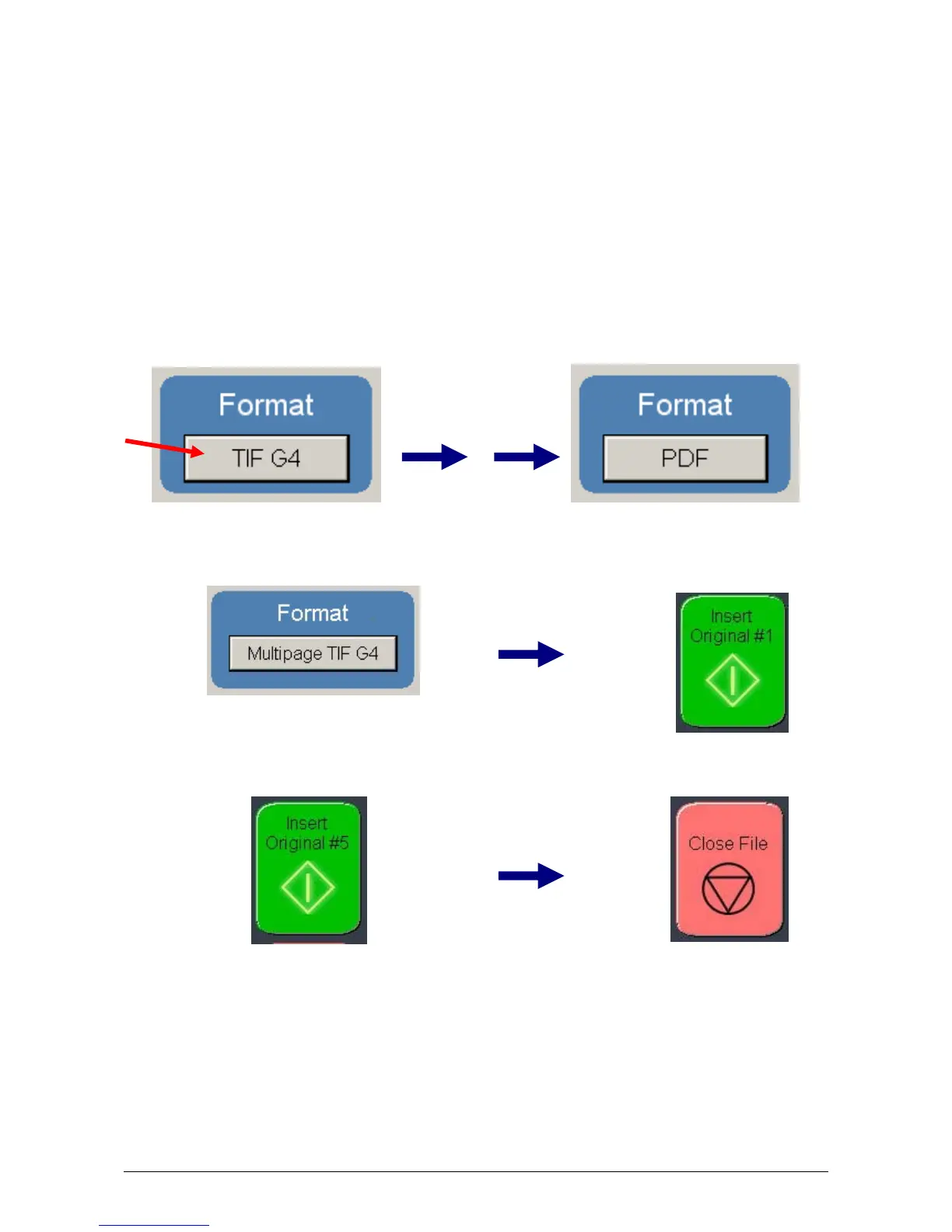
Press the “Format” button to toggle through the file formats available.
TIF-G4 - tif format Group 4 level compressed
TLC - KIP format compressed
CAL-G4 - Cals Group 4 level
PDF - PDF Level 3
DWF - Design Web Format (AutoCAD)
Multipage TIF-G4 - Tif format Group 4 level compressed
Multipage PDF - PDF Level 3
Multipage DWF - Design Web Format (AutoCAD)
Select the file type required to save the image into this format.
For a Multipage scan, select the desired Multipage format. Start button will prompt for next
original.
When finished scanning, select the Close File button to finalize the multipage file.
TLC Cals



 To Next Page