Section 4 Scan Mode - Monochrome 4-8
2.2.2 Original Type
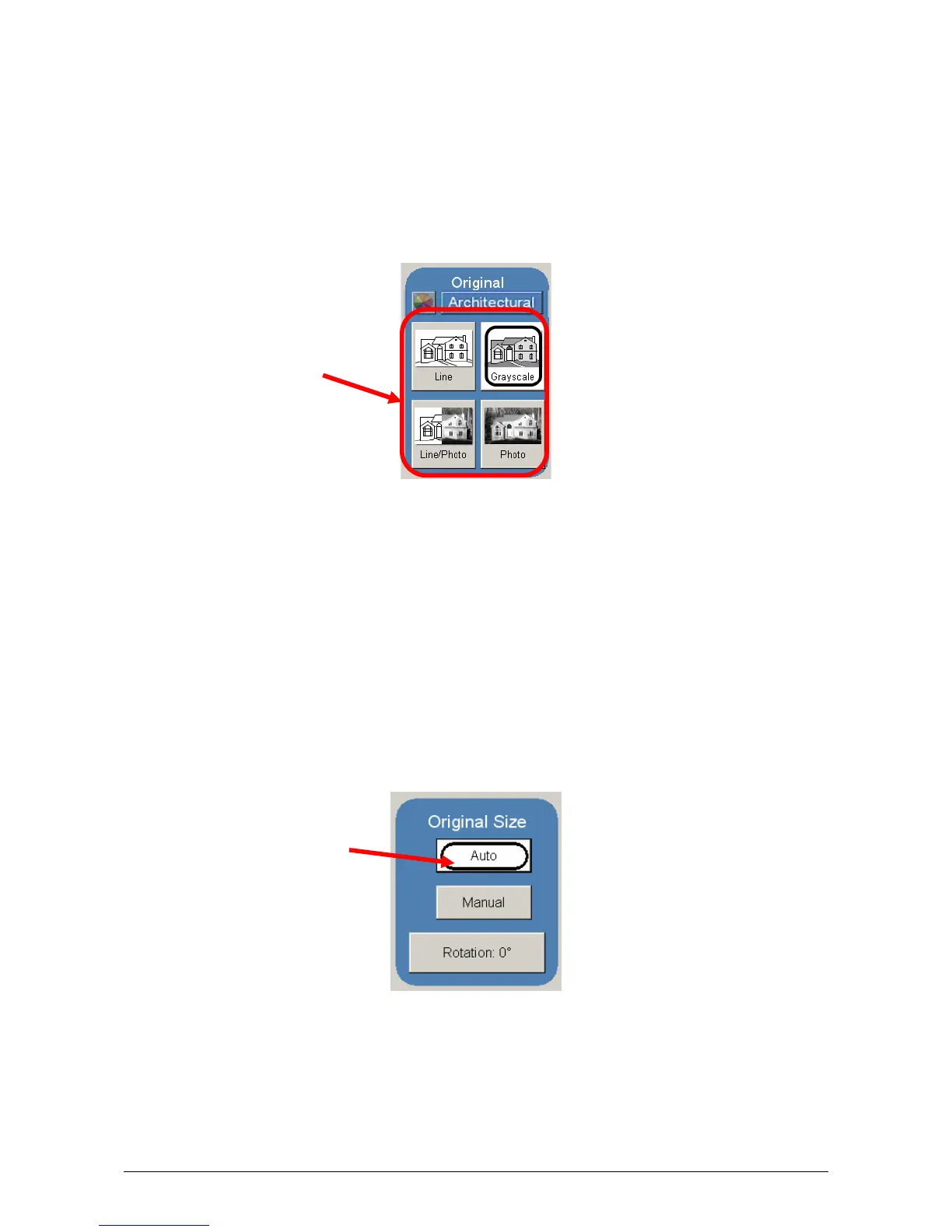
Select one of the four different predetermined original types. The selections are:
a) Line - used for simple line documents
b) Line / Photo - used for a combination of lines & photos documents
c) Grayscale - used for a combination of lines & areas of shade (CAD)
originals
d) Photo - used for photographic originals
Press the desired original setting from one of the four diagrams. This will allow automatic
image quality adjustments for the next scan. Please note that the selection will be
highlighted with a “black” circle and the icon will become white, as in the above example
“Grayscale”.
2.3 Original Size
This region is used to select the image size of the original being scanned.
2.3.1 Automatic Size
For most scans, “Automatic” should be selected. This will allow the KIP 3000 to
automatically determine the width and length of the scan without any user intervention.
(Please also note “Original Size Mode” in 2.2)



 To Next Page