Section 10 KIP Request 10-12
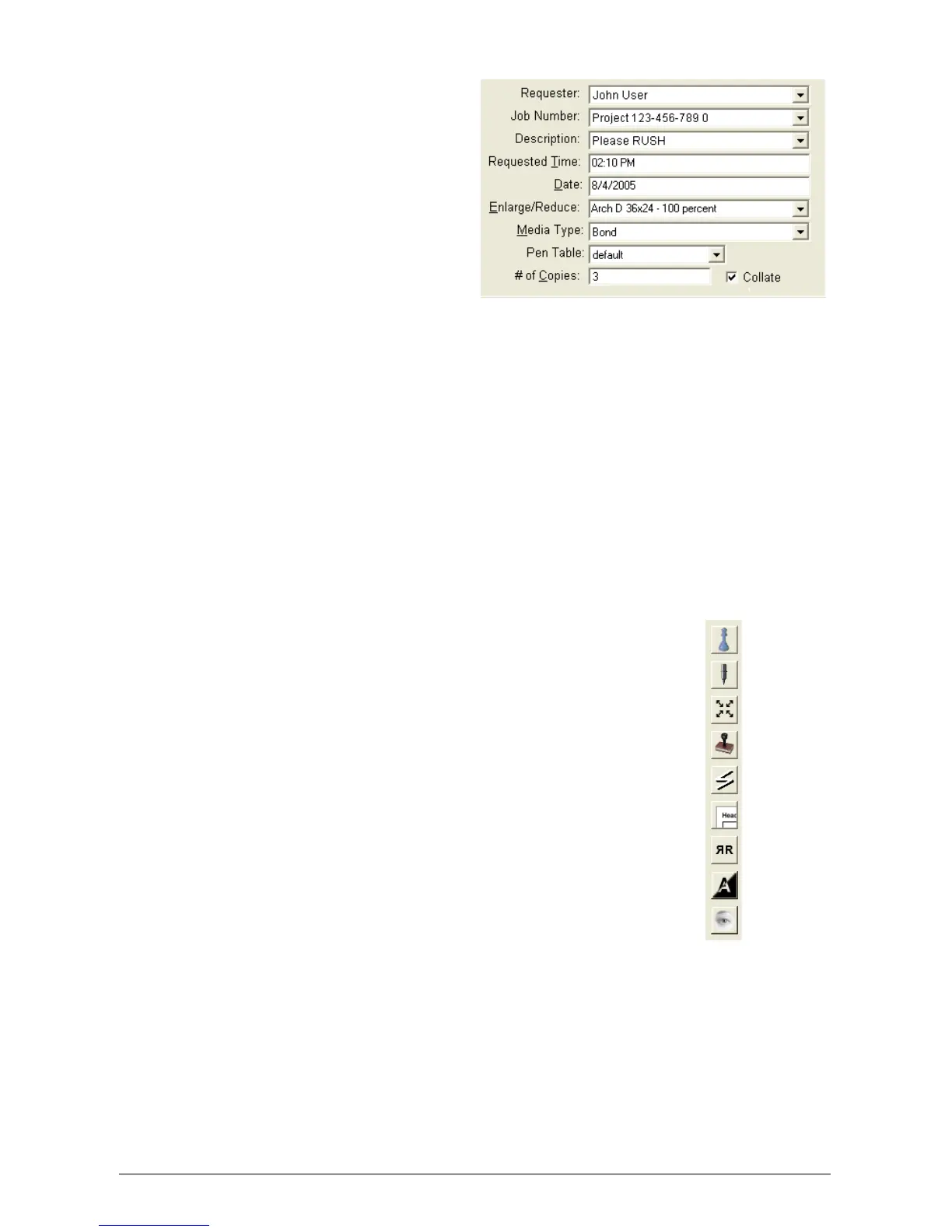
2.4.8 Pen Table
This field displays the Pen Table that
will be applied to vector files as they
are selected. Pull down the menu to
select a different Pen Table. Click the
Pens button to make changes within
the selected Pen Table (see 2.5.1).
2.4.9 # of Copies
This field chooses the total number
copies from 1 to 999.
2.4.10 Collate
This field allows collated or uncollated prints.
111, 222, 333 … or 123, 123, 123 …
2.5 Advanced Job Settings
On the left side of the main Request screen are buttons to allow advanced settings and
configuration of the prints.
These buttons are:
Manage
Pen Configuration
Zoom
Stamp
Fold
Header
Mirror
Invert
View



 To Next Page