Section 2 Copy Mode - Monochrome 2-5
1.2.3 Select Original Image Type
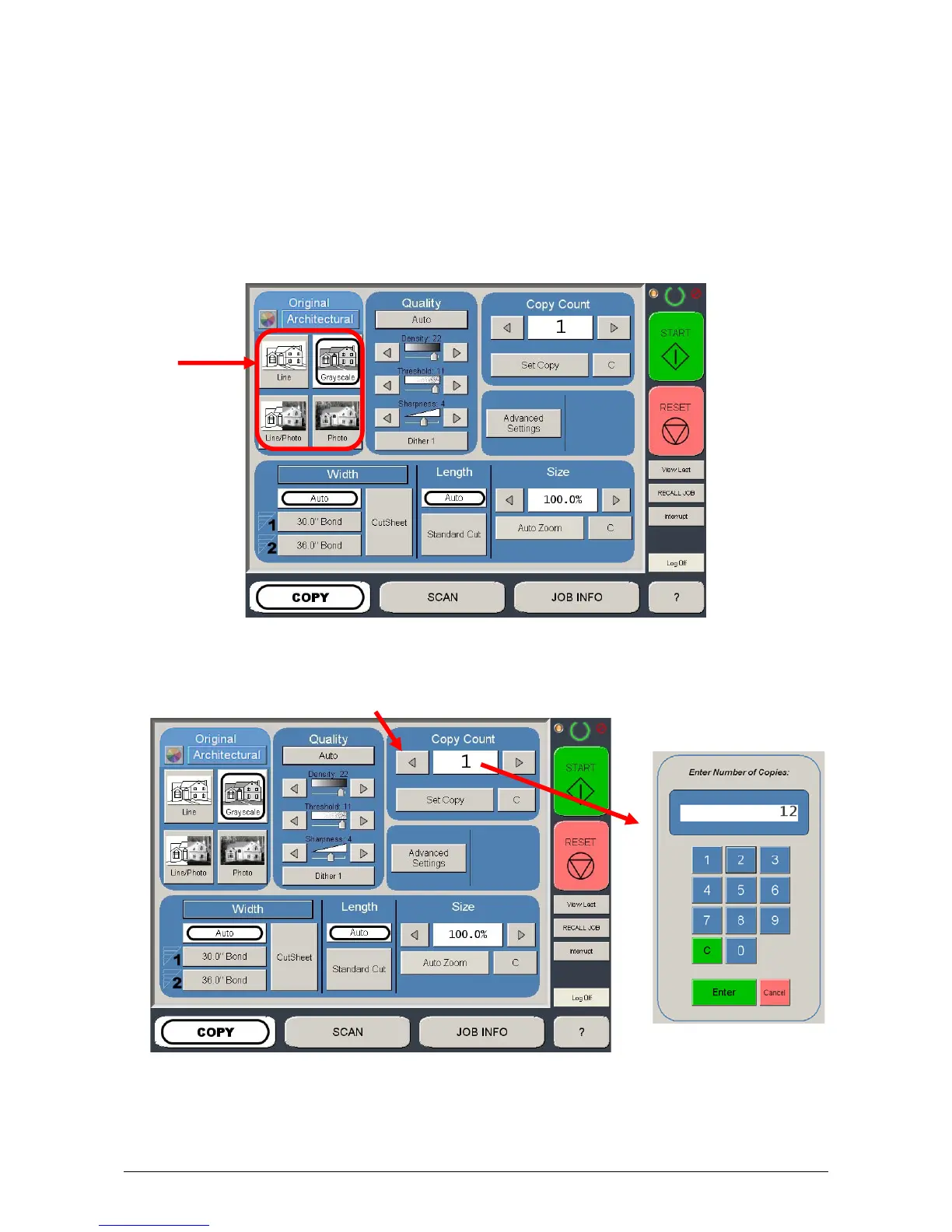
Set the original image type you will copy. The selections are:
Line - used for simple line documents
Line / Photo - used for a combination of lines & photos documents
Grayscale - used for a combination of lines & areas of shade (CAD)
originals
Photo - used for photographic originals
This will allow automatic image quality adjustments for the scan.
1.2.4 Copy Count
Press the arrow buttons to scroll through the number of copies required or press
on the actual number to set the quantity with the number pad.



 To Next Page