Section 1 Basic Printer Functions 1-43
4. 1. 2 Print Engine
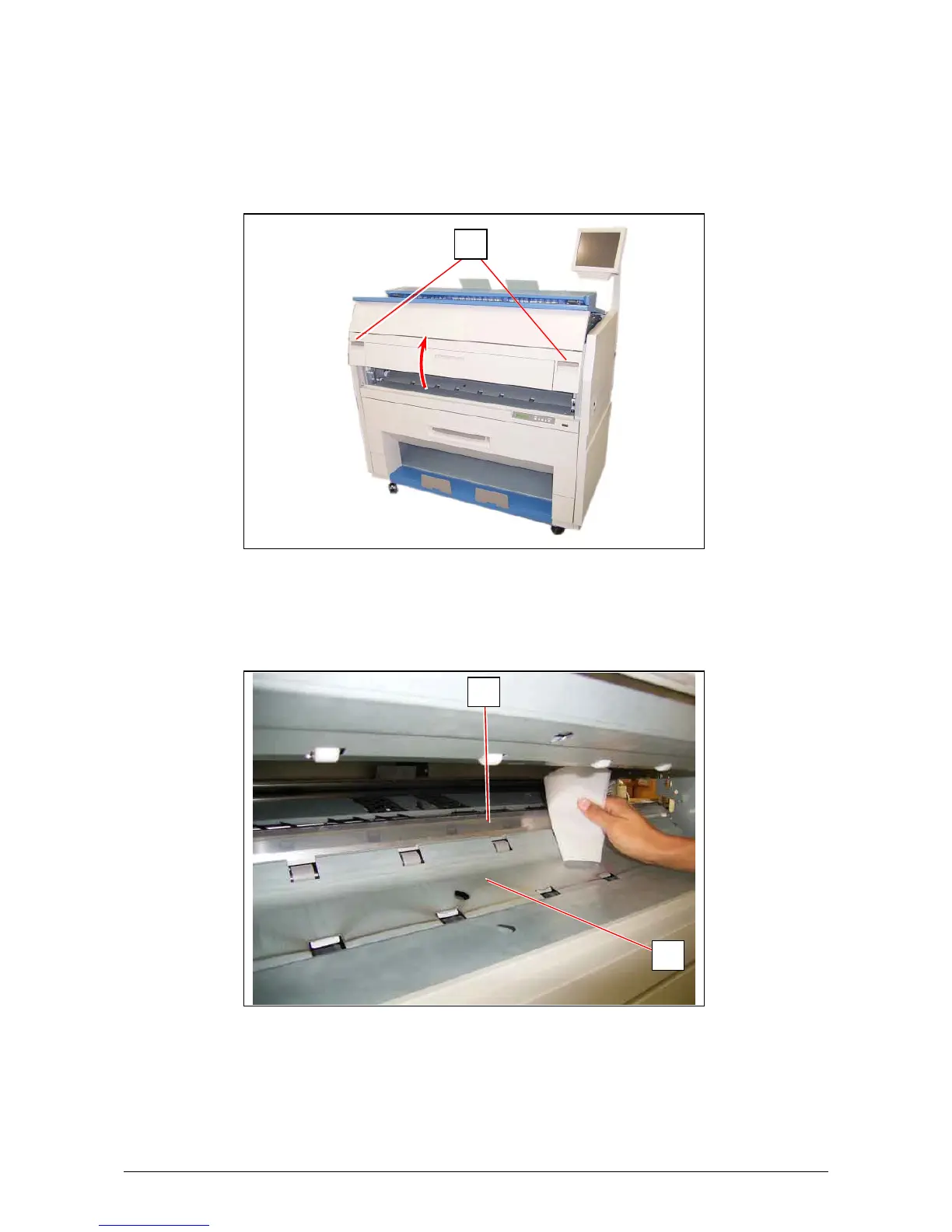
Clean each Guide Film and Guide Plate once per a week, as the toner or paper dust may
accumulates on such part which may result in a defective print image.
1. Turn off KIP3000.
2. Open the Engine Unit pulling up the Engine Unit Open Levers (1).
2. Wipe each Guide Film (2) and Guide Plate (3) with a soft dry cloth to remove the toner or paper
dust.
1
2
3



 To Next Page