Section 1 Basic Printer Functions 1-44
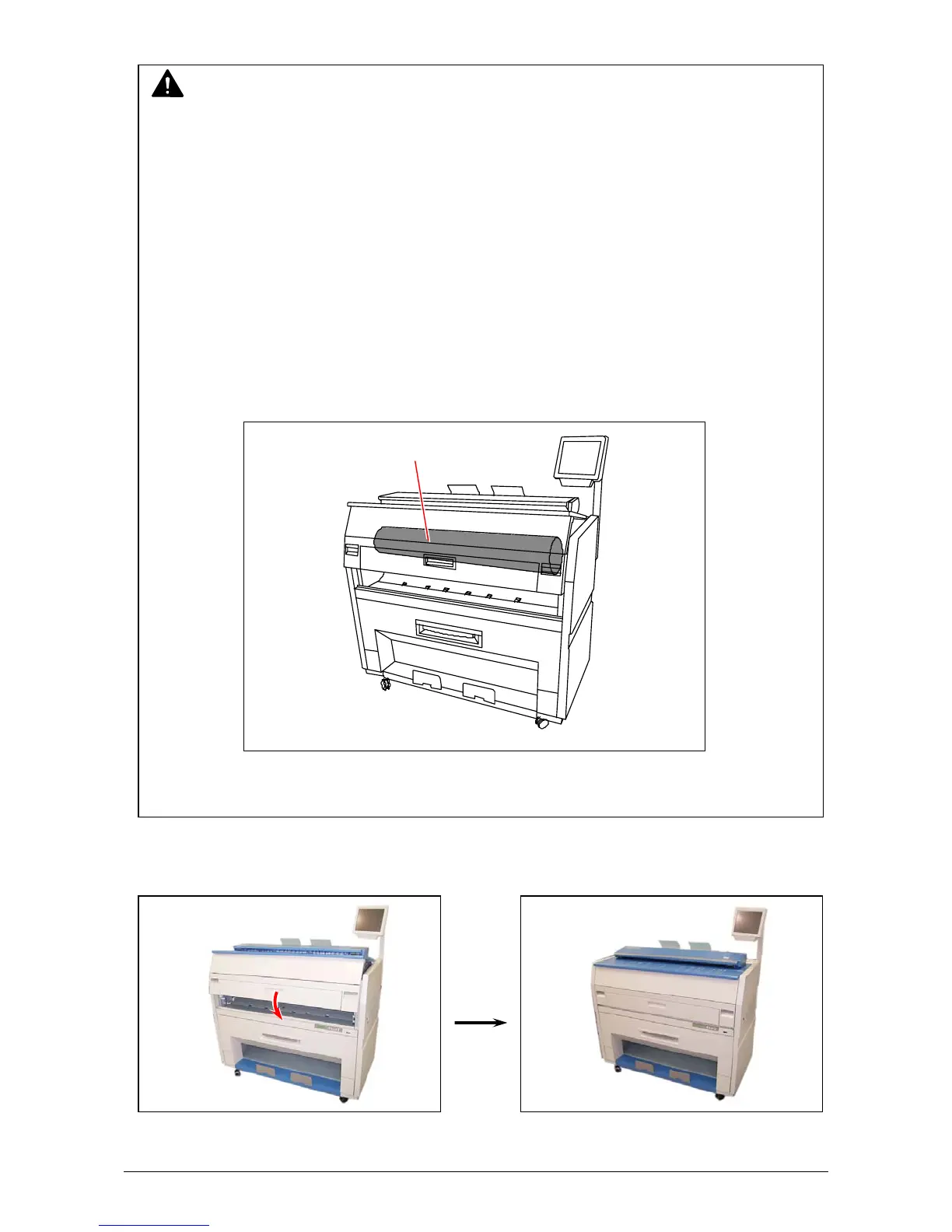
3. Close the Engine Unit.
NOTE
(1) There is a Photoconductive Drum (large green cylinder) in the machine, which is right
above the Guide Film.
You will have to replace the Drum if it is damaged, as it is a very important part in
creating the print image.
Please take care of the following matters when you make cleaning.
a.) Do not touch the drum.
Adhering a fingermark or sebum on the Drum may cause defective printing.
b.) Take off such metal accessories as watch or ring.
You will have to replace the Drum if you damage the Drum scratching with such
accessories.
c.) Do not leave the Upper Unit open for more than 10 minutes as the Drum is very
sensitive to light. (Direct sunlight is very harmful.)
(2) Do not use water, organic solvent and alcohol for the cleaning.
Photoconductive Drum



 To Next Page