Section 3 Copy Mode – Color 3-10
2.4.3 Set Copy
Has no function in Color Copy Mode.
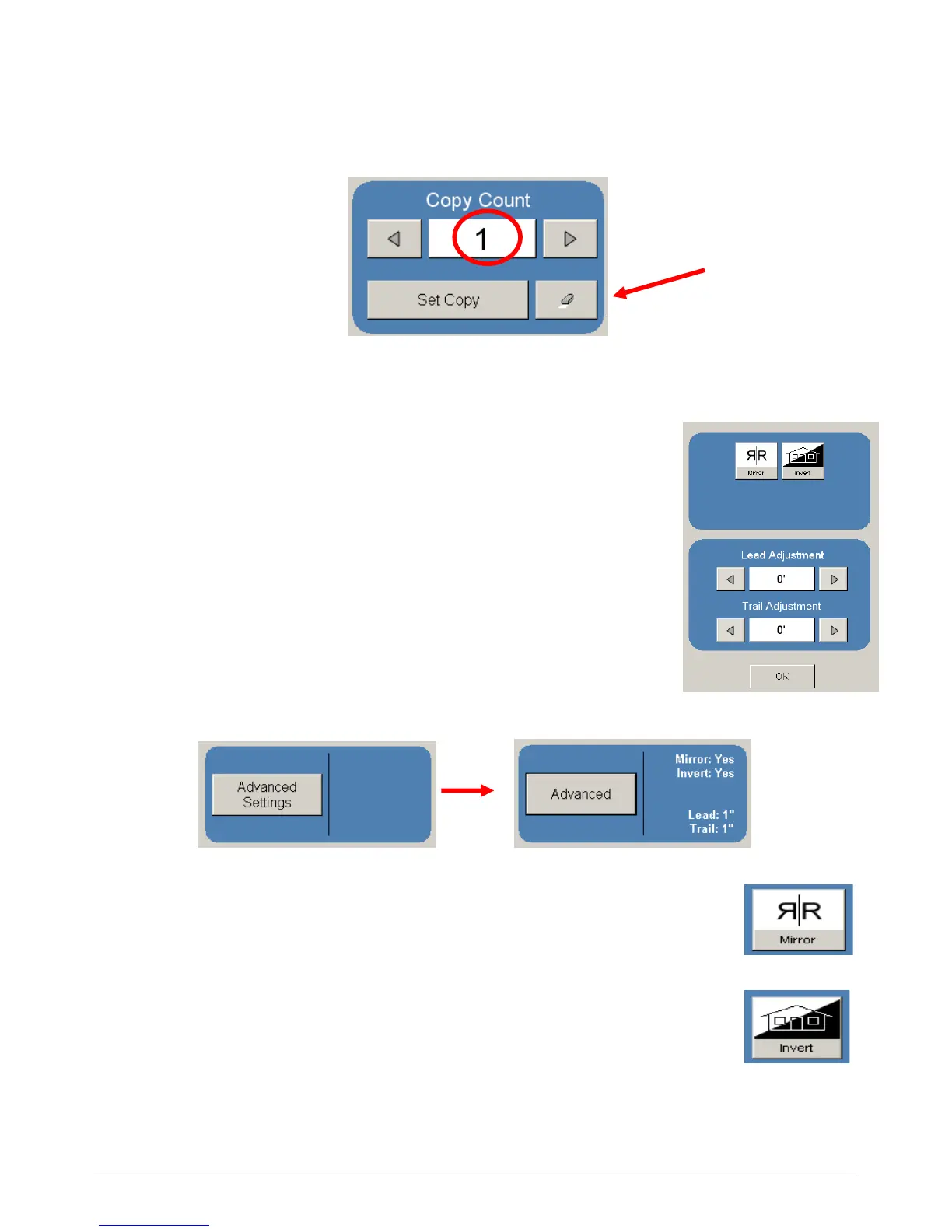
2.4.4 Clear
Press the “eraser” button to reset the quantity to “1”.
2.5 Advanced Settings
The Advanced Setting button contains the additional
parameters on a sub screen:
a) Mirror
b) Invert
c) Lead Edge Adjustment
d) Trail Edge Adjustment
When any of the adjustments / selections is selected, the
selections will now be displayed on the main Copy
screen.
2.5.1 Mirror
Select this button to “mirror” a scan. This can be utilized on originals that
have the actual image on the reverse side such as older “sepia” or “film”
documents.
2.5.2 Invert
Select this button to change a region of white to black and visa versa of a
scanned document. This is normally used for “negative” documents or
“blue prints”.



 To Next Page