Section 1 Basic Printer Functions 1-16
2. 2 Turning off the KIP 3000
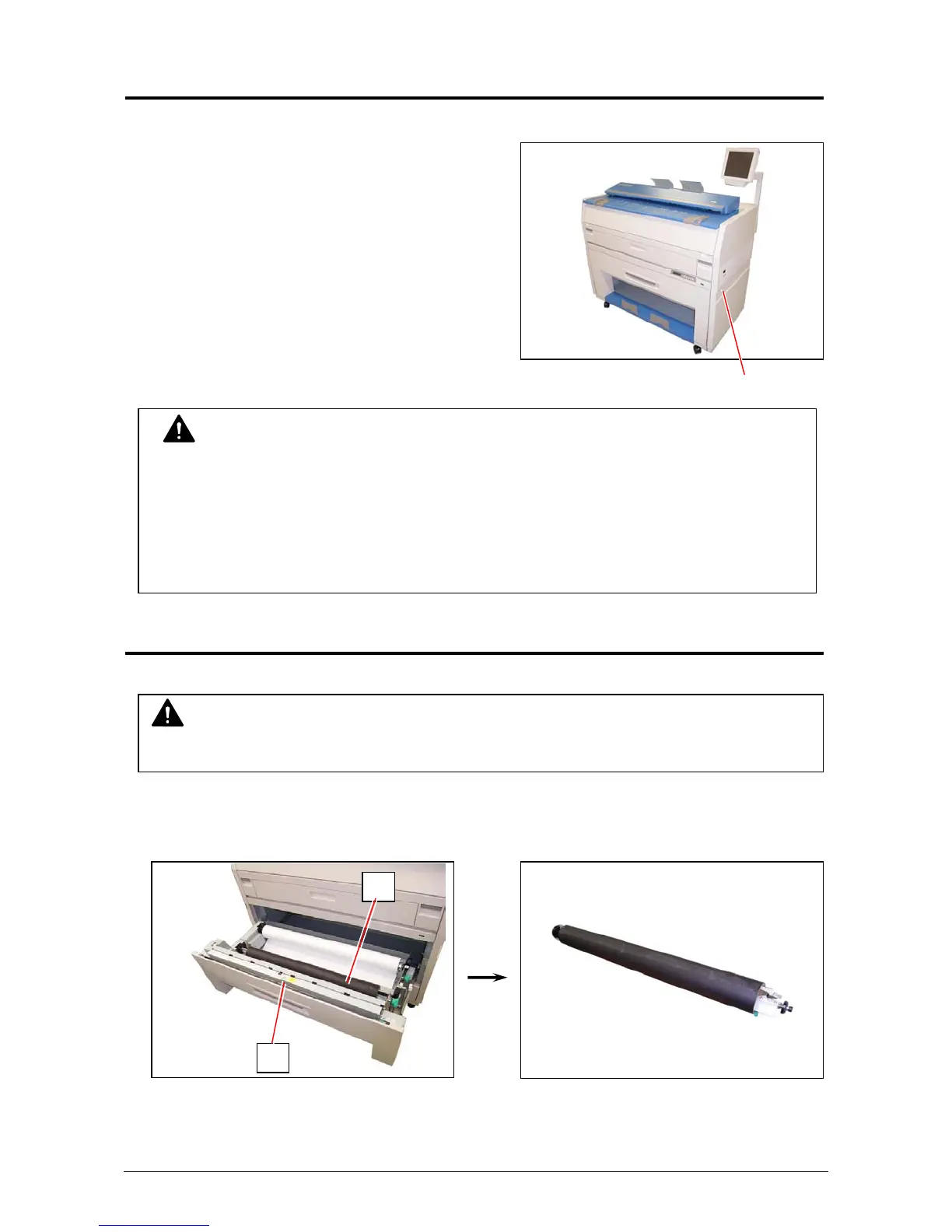
1. There is a Power Switch on the right side of
KIP3000.
Switch to the “ O ” position to turn off the KIP 3000.
Power Switch
2. 3 Roll Media Replacement
1. Open the Roll Deck (1).
Remove the Roll Spool (2) with paper core from the Roll Deck.
CAUTION
The KIP3000 print engine and UI look to be shut down when you turn off KIP3000, the
controller PC embedded inside of KIP3000 is still operating for shutdown in approximately
two minutes after Power Switch operation.
Do not unplug the KIP3000 before the controller PC’s shutdown. Doing so may damage
data or the device.
1
2
NOTE
A paper mis-feed may occur as a roll of media is spend.



 To Next Page