Section 3 Copy Mode – Color 3-13
2.6 Original Size
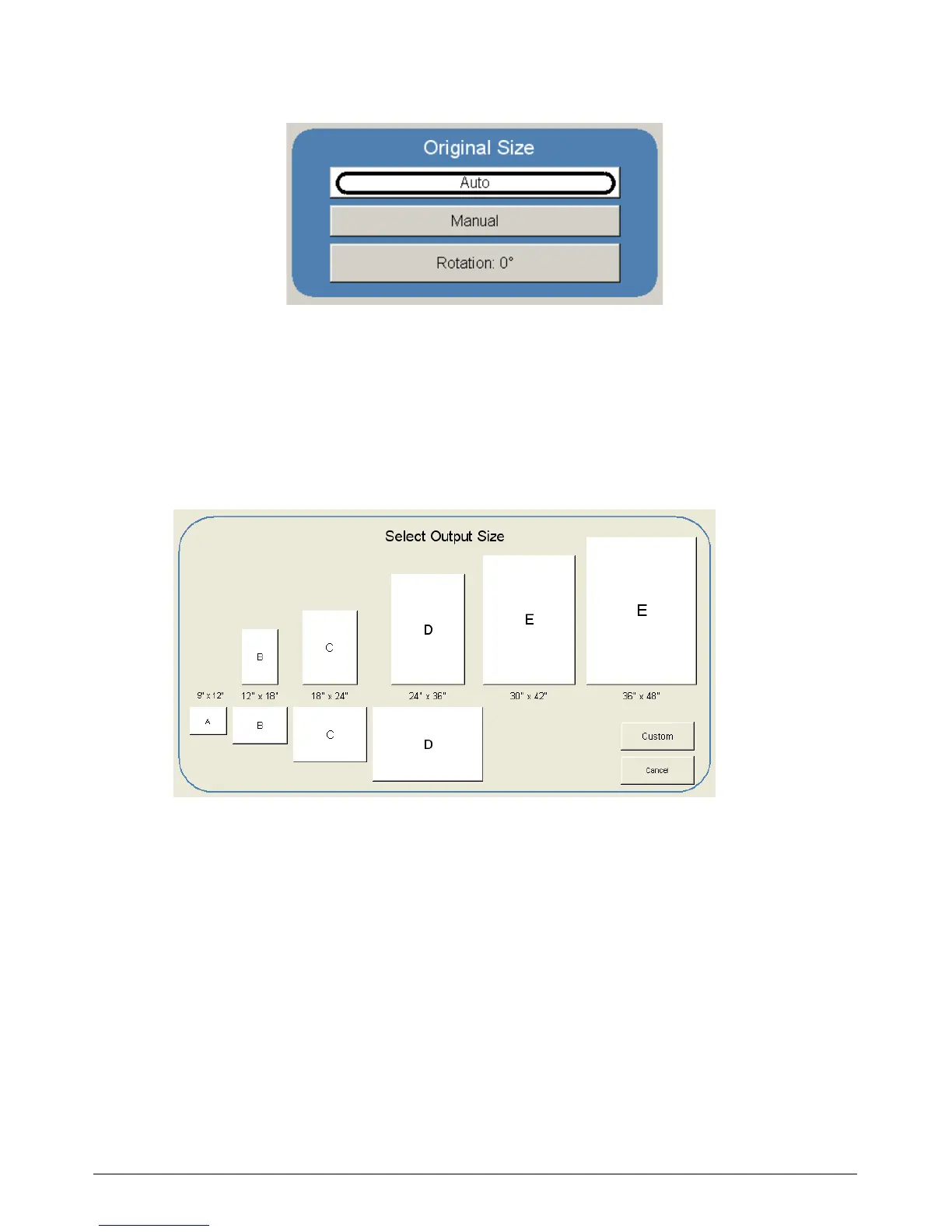
This region allows automatic or manual roll detection of the original.
2.6.1 Auto
This default setting allows the KIP 3000 to automatically detect the width and length of the
original. Please note the correct “Original Size Mode” in 2.2.1 must be select prior to the
copy.
2.6.2 Manual
To select an original size manually, select Manual and a sub screen displays all current
standard page sizes.



 To Next Page