Section 4 Scan Mode - Monochrome 4-14
2.7 Advanced Settings
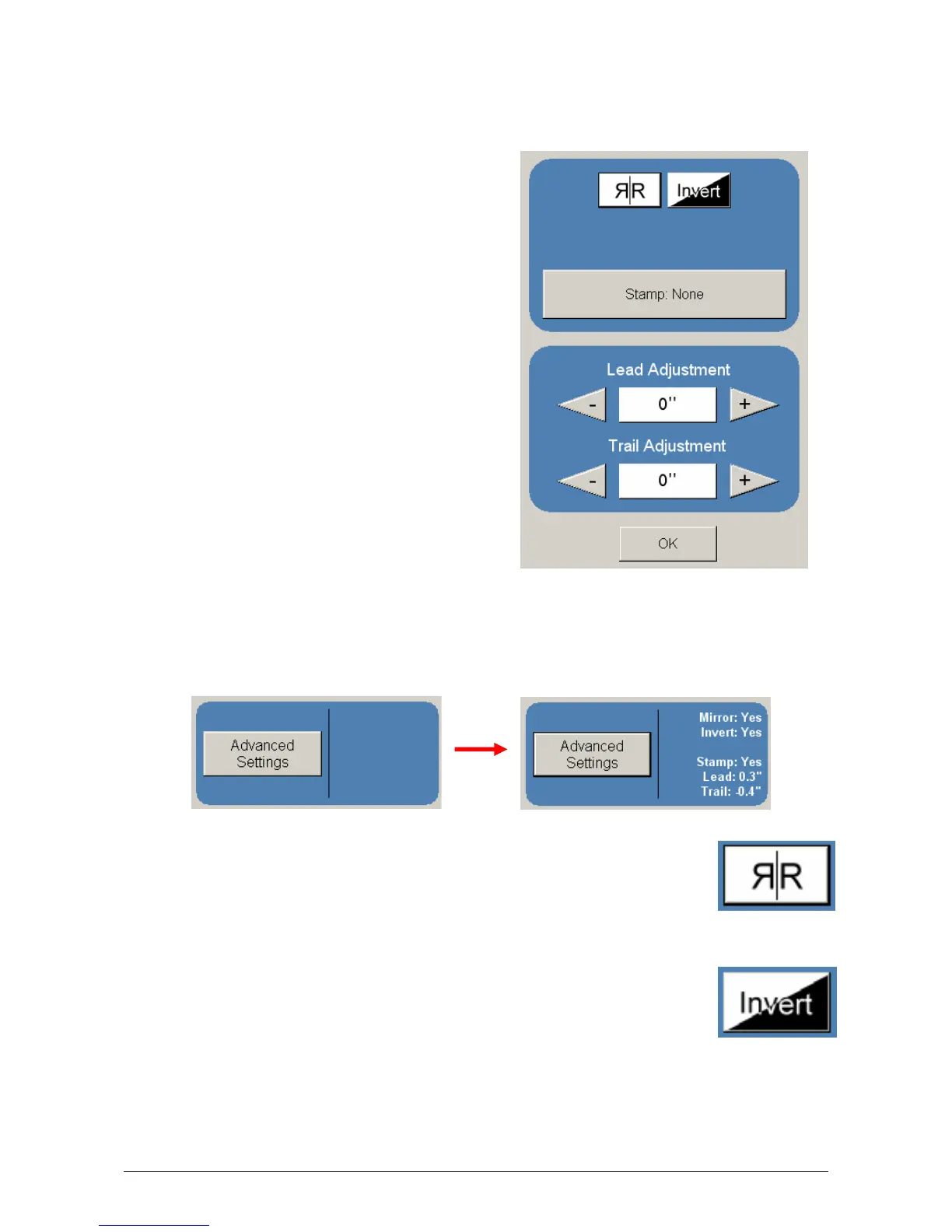
The Advanced Setting button contains the additional parameters on a sub screen:
a) Invert
b) Mirror
c) Stamp (Water Mark)
d) Lead Edge Adjustment
e) Trail Edge Adjustment
Make any required adjustments / selections and press “OK” to accept. The selections will
now be displayed on the main Scan screen.
2.7.1 Mirror
Select this button to “mirror” a scan. This can be utilized on originals that
have the actual image on the reverse side such as older “sepia” or “film”
documents.
2.7.2 Invert
Select this button to change a region of white to black and visa versa of a
scanned document. This is normally used for “negative” documents or
“blue prints”.



 To Next Page