7-10 Section 7 “?” Screen
4.3 Monochrome Quality Settings
Clicking this button will return the main COPY and SCAN settings to the default
factory values.
Page 2 of 6
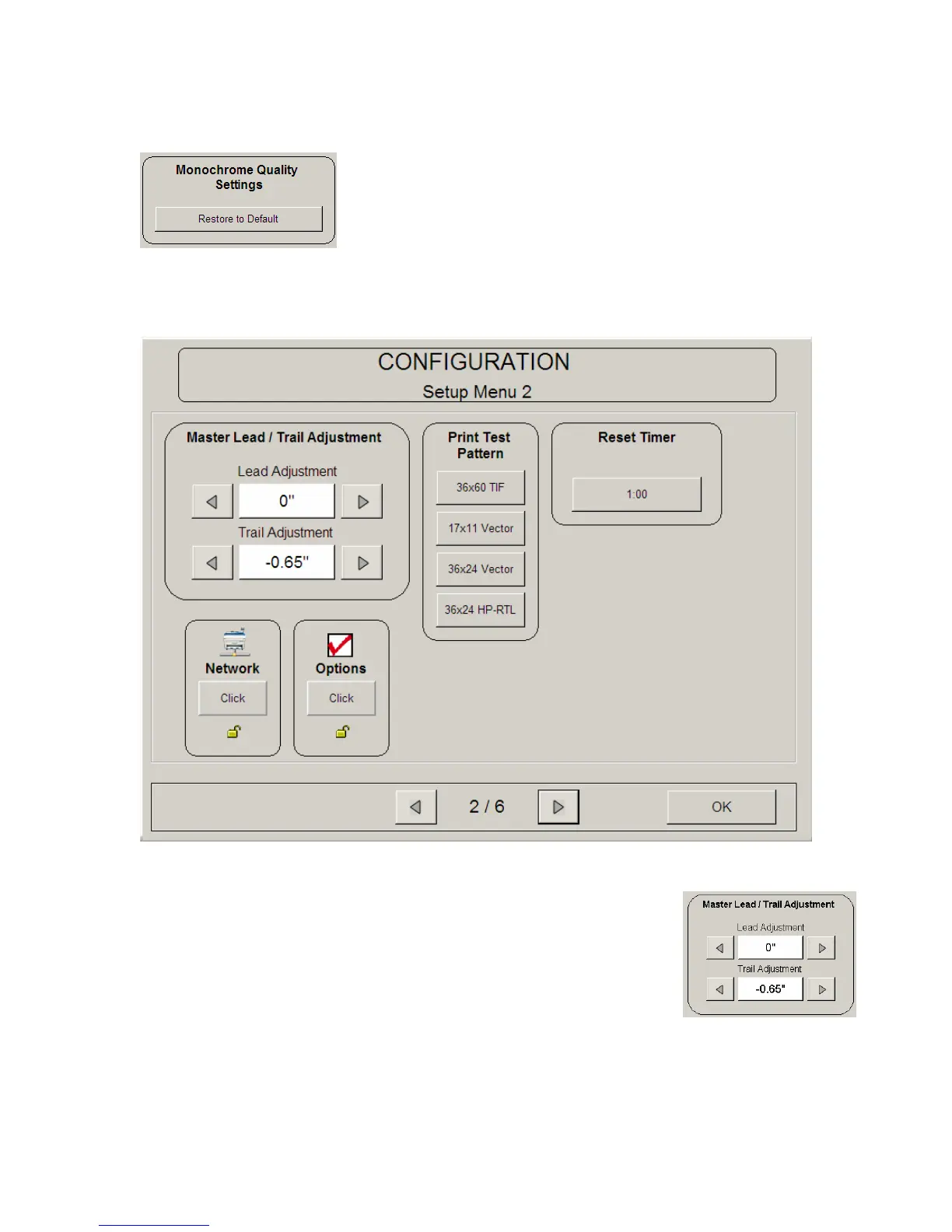
4.4 Master Lead / Trail Adjustment
The leading and trailing edges on copies or scans can be
adjusted to best suit user requirements. This adjustment adds
or removes image / media from all scans and copies and
should be considered a default setting of such.



 To Next Page