7-11 Section 7 “?” Screen
4.5 Test pattern
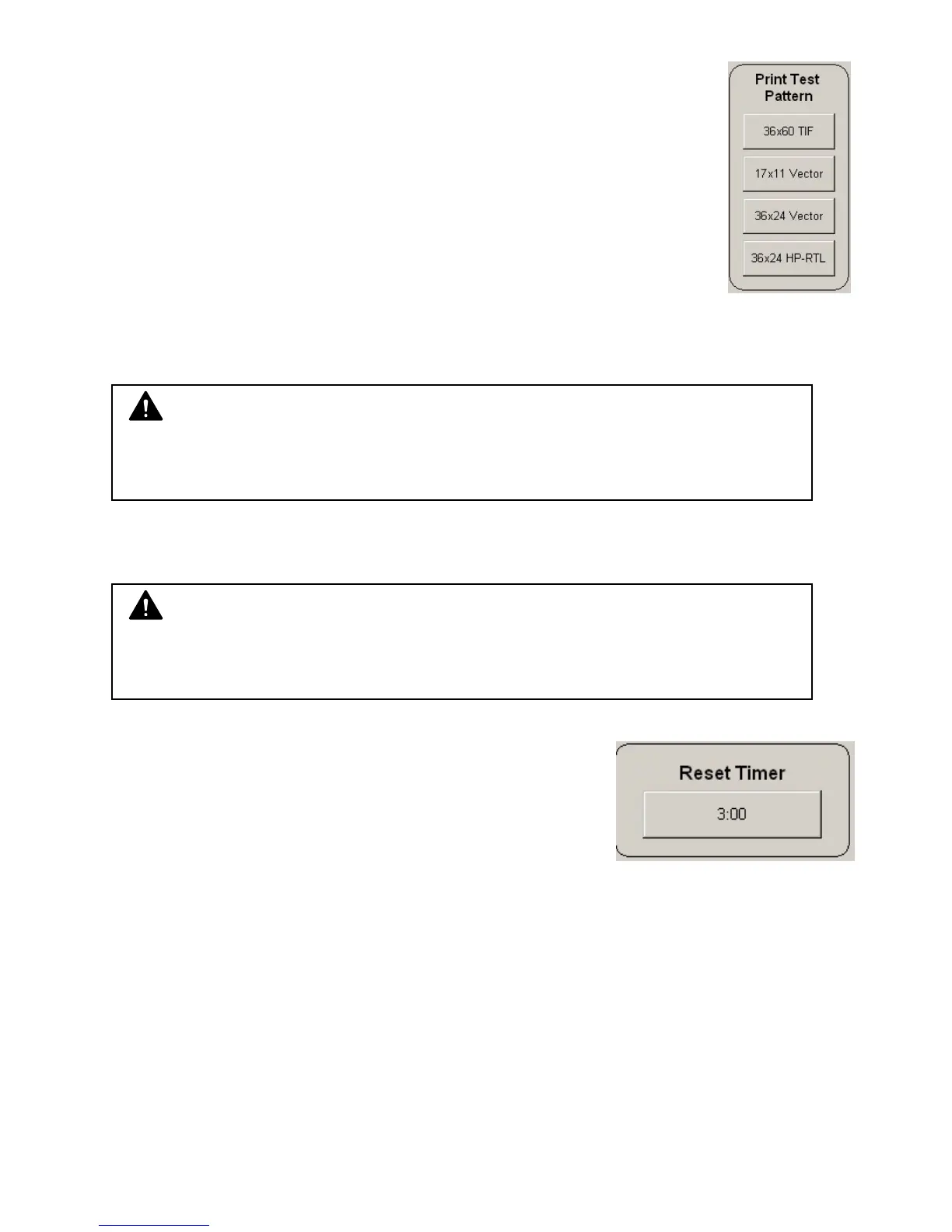
A variety of test patterns may be printed from the KIP printer operator panel
on an on-demand basis. The following four predefined test patterns are
available to assist in pen table selection and overall quality verification.
36” x 60” tif – Used to test long printing and calibrate scan/copy operations
17” x 11” plt – Used to calibrate lead/trail edge settings
36” x 24” plt – Used to calibrate lead/trail edge settings
36” x 24” hprtl – Used to test output of mixed raster and vector data
4.6 Options
Enables options on the KIP printer. Please contact your local dealer for more
details and for the Key Code for your system.
4.7 Network
Please see the KIP printer’s manual.
4.8 Reset Timer
KIP printer’s system can be configured to revert to the Log-In
screen after a predetermined period of inactivity. From this
screen, users must enter a username and password before
use (if required by system administrator). This Reset Timer
will also revert all settings to the default values after the
timer has expired.
NOTE
Incorrect codes may prevent your system from functioning. Please do not enter or
modify the current code without your supervisor’s permission. The codes may be
locked and only accessed granted by a technician.
NOTE
Incorrect settings may prevent your system from functioning. Please do not enter
or modify without your Network Administrators permission. Access to modify may
be locked and only accessed granted by a technician.



 To Next Page