Section 1 Basic Printer Functions 1-37
3. 1. 2 Others
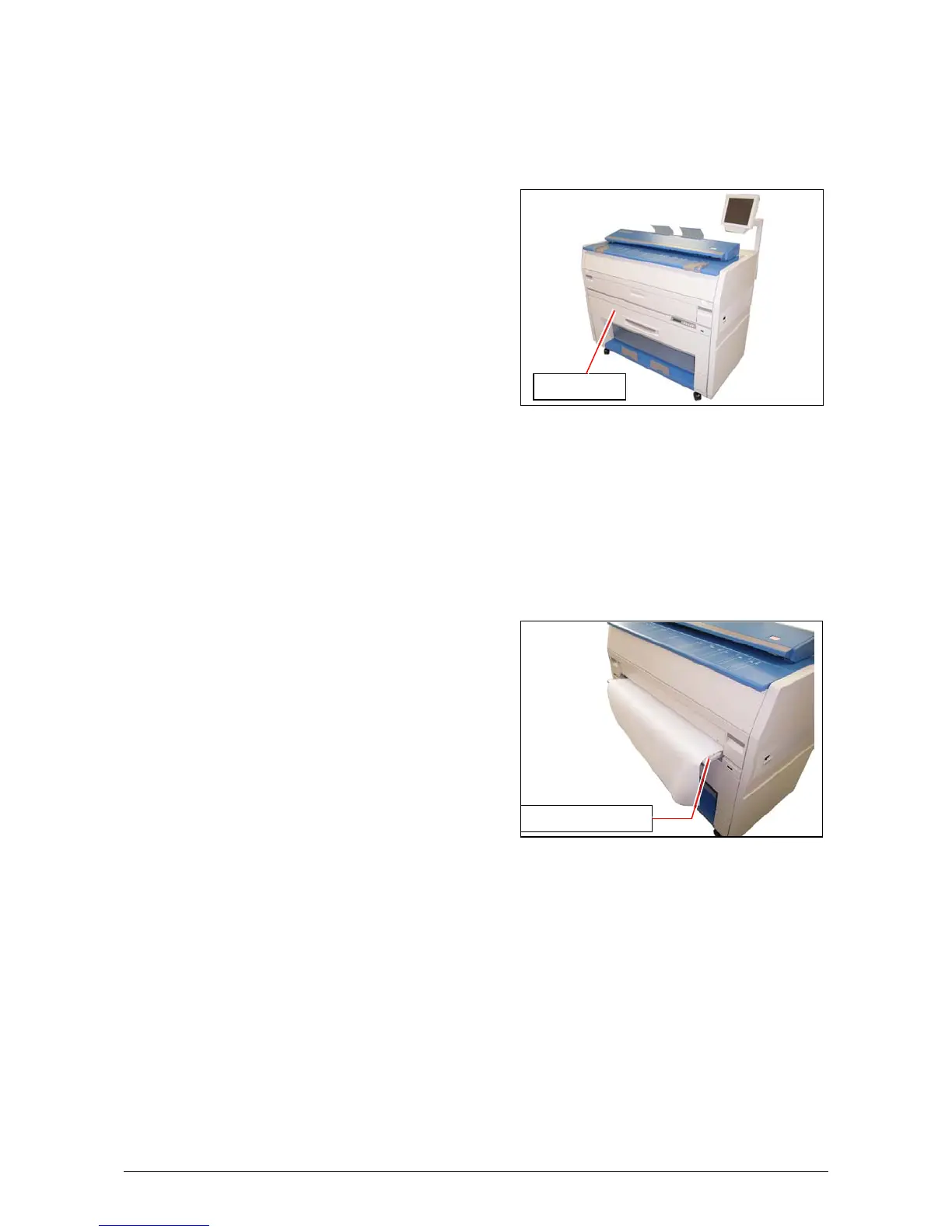
3. 1. 2. 1 Deck open
This message is indicated when the Roll Deck is opened.
Close it firmly.
3. 1. 2. 2 Accessory Error
Any error occurs in the optional device such as Auto Stacker or Folder.
Clear the error making reference to the User’s Manual of concerning device.
3. 1. 2. 3 Manual Set
This message is indicated when a cut sheet paper is inserted to the Bypass Feeder during
warming up.
Remove it from the Bypass Feeder.
Roll Deck
Bypass Feeder



 To Next Page