Section 1 Basic Printer Functions 1-27
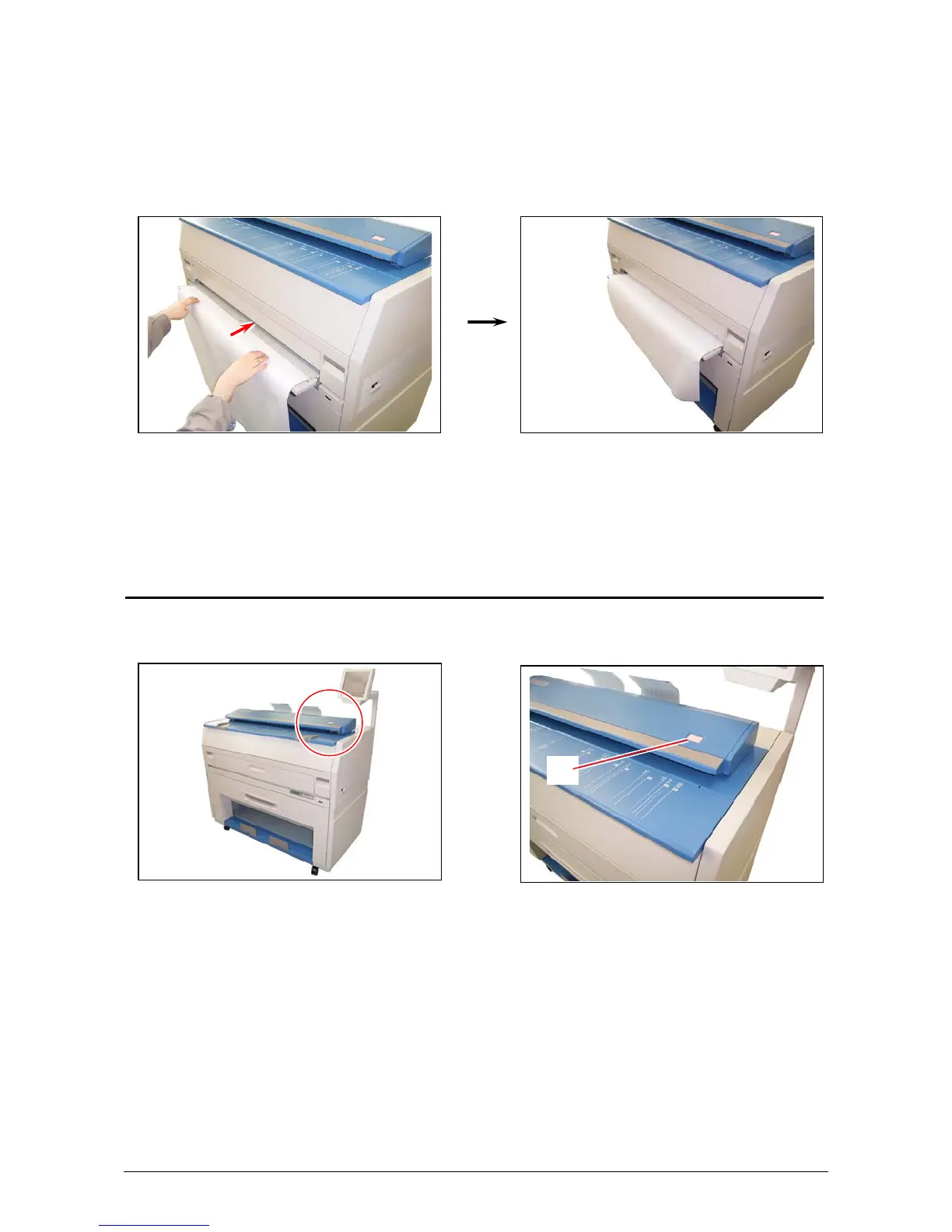
6. There are size markings on the table.
Insert the cut sheet paper on the table along with the associated size mark, and then insert
it into the Feeder referencing the size marks.
When the paper is inserted far enough, the machine automatically sets the paper at the
proper position.
7. Continue with normal copy / print functions. See User Guide “Copy” or “Print” sections.
2. 6 Emergency Stop of a Copy or Scan
If ever so required, press the Stop Button (1) on the Scanner to immediately stop the original while
making a copy or a scan.
1



 To Next Page