Section 2 Copy Mode - Monochrome 2-23
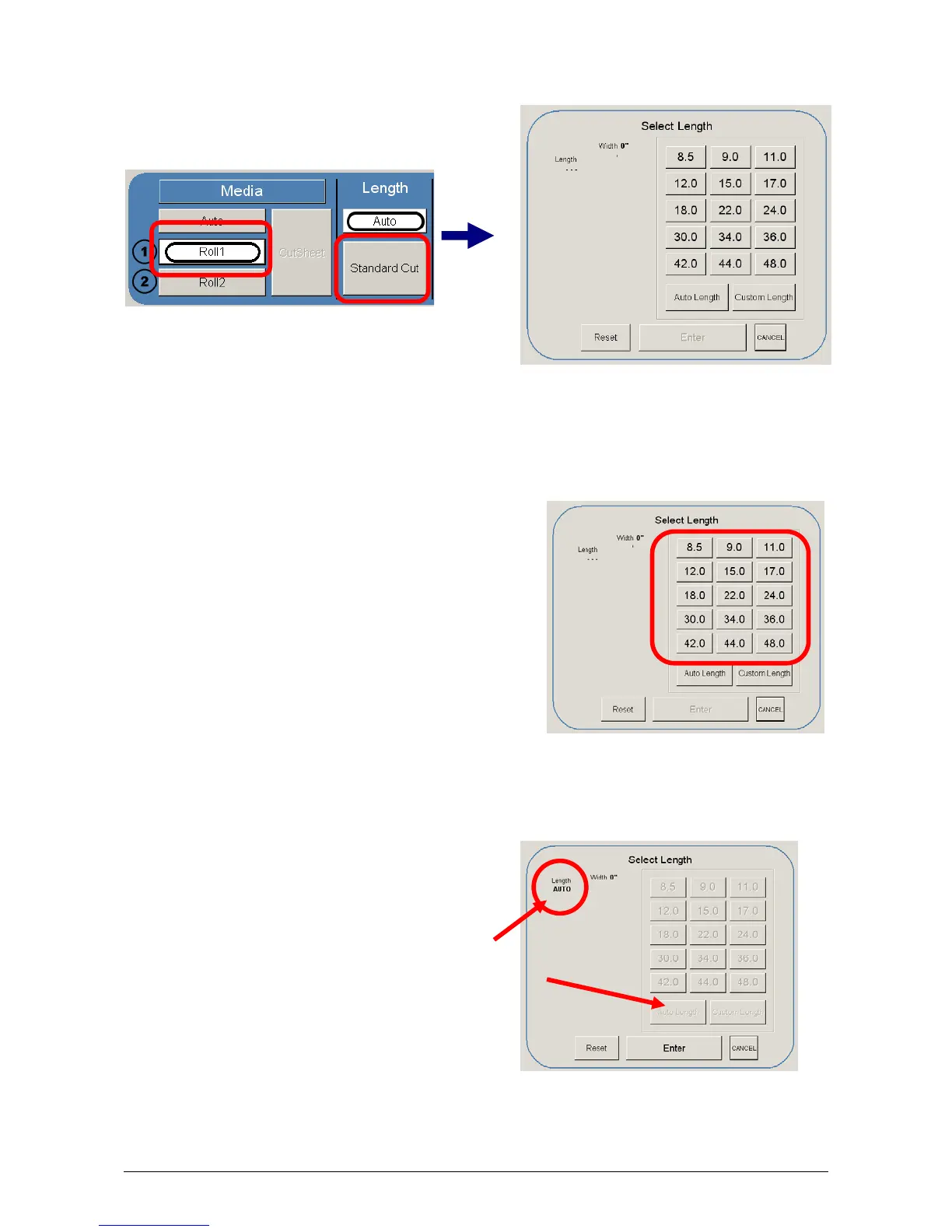
- If a roll is already selected in Media, then the following screen appears now
only requesting the length.
b) Once the roll is determined (if so required) the length can now be set.
- Standard Length
- Auto Length
- Custom Length
c) Standard Length – use an industry
standard length. Select the length and
press Enter.
d) Auto Length – uses the length of the
original to determine the copy length.
Select and press Enter.



 To Next Page