Section 5 Scan Mode - Color 5-19
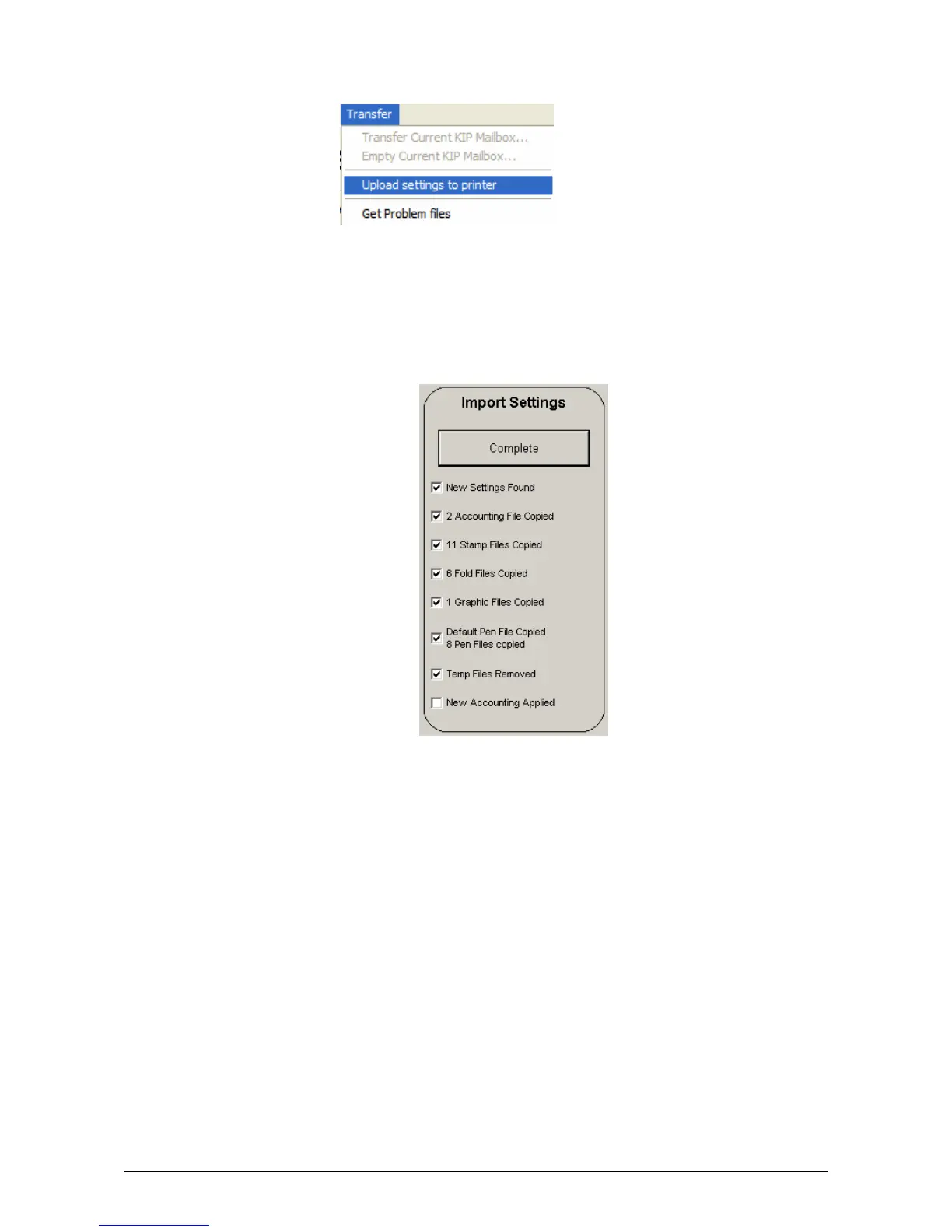
c) Send to the KIP IPS by using Transfer and then Upload Settings to Printer
d) At the KIP IPS, enter (?) and then Service. Once you are in the Service menu, (password
required) use the arrow keys at the bottom until “Import Settings” is shown (this will appear
grayed out at first) touch the button labeled Touch. This will import any new FTP settings
and will be displayed on the SCAN screen. These will be in the form FTP:[FTP Description].



 To Next Page