Section 6 Job Info Screen 6-3
2. 0 Operation Details
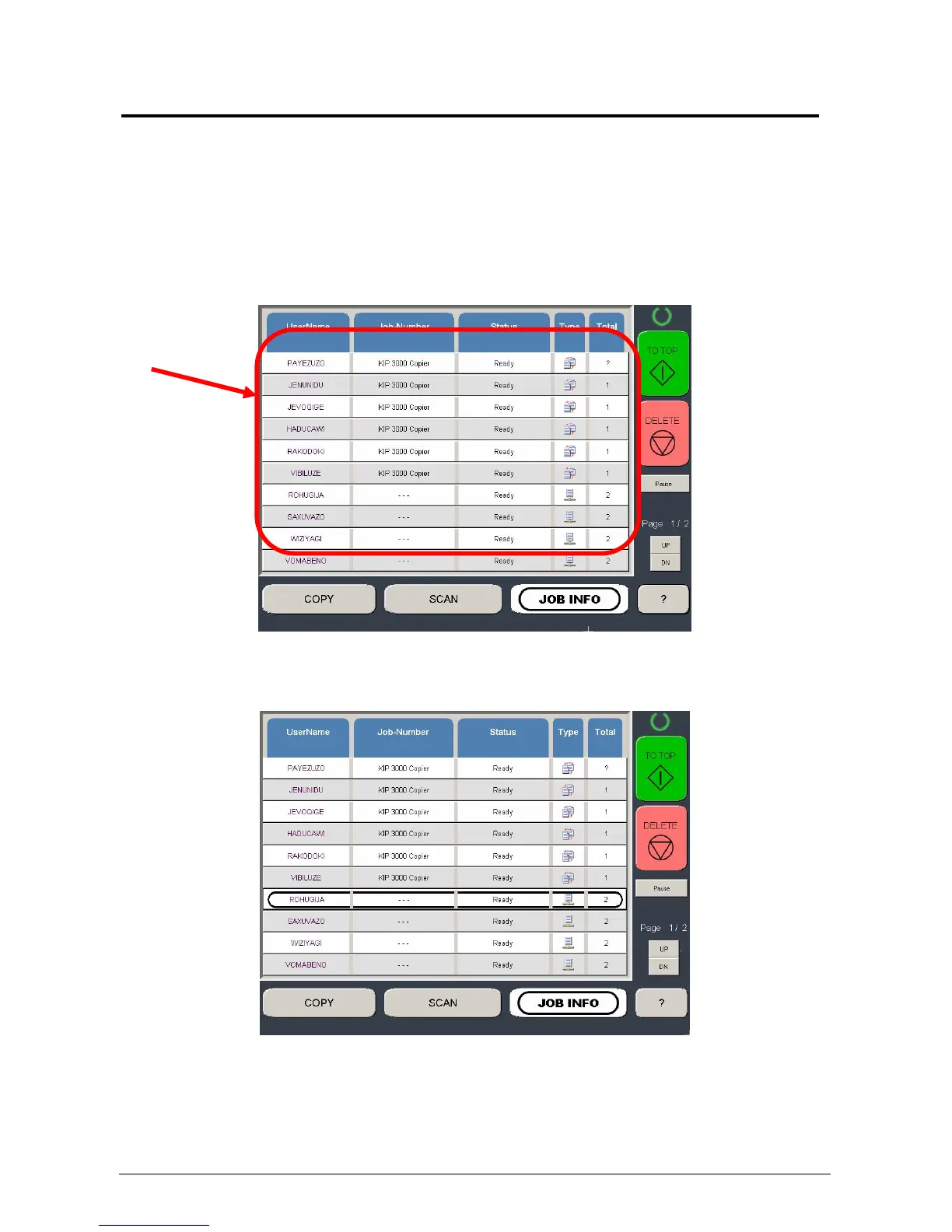
The Job Info screen is used to view or manage the current copy or prints jobs on the KIP
5000.
2.1 Job List - Main Screen
All jobs that are currently printing or are waiting to print are displayed in this area.
You may view a jobs details, (or for other functions described further in this manual) by
selecting the job from the list



 To Next Page