Section 10 KIP Request 10-6
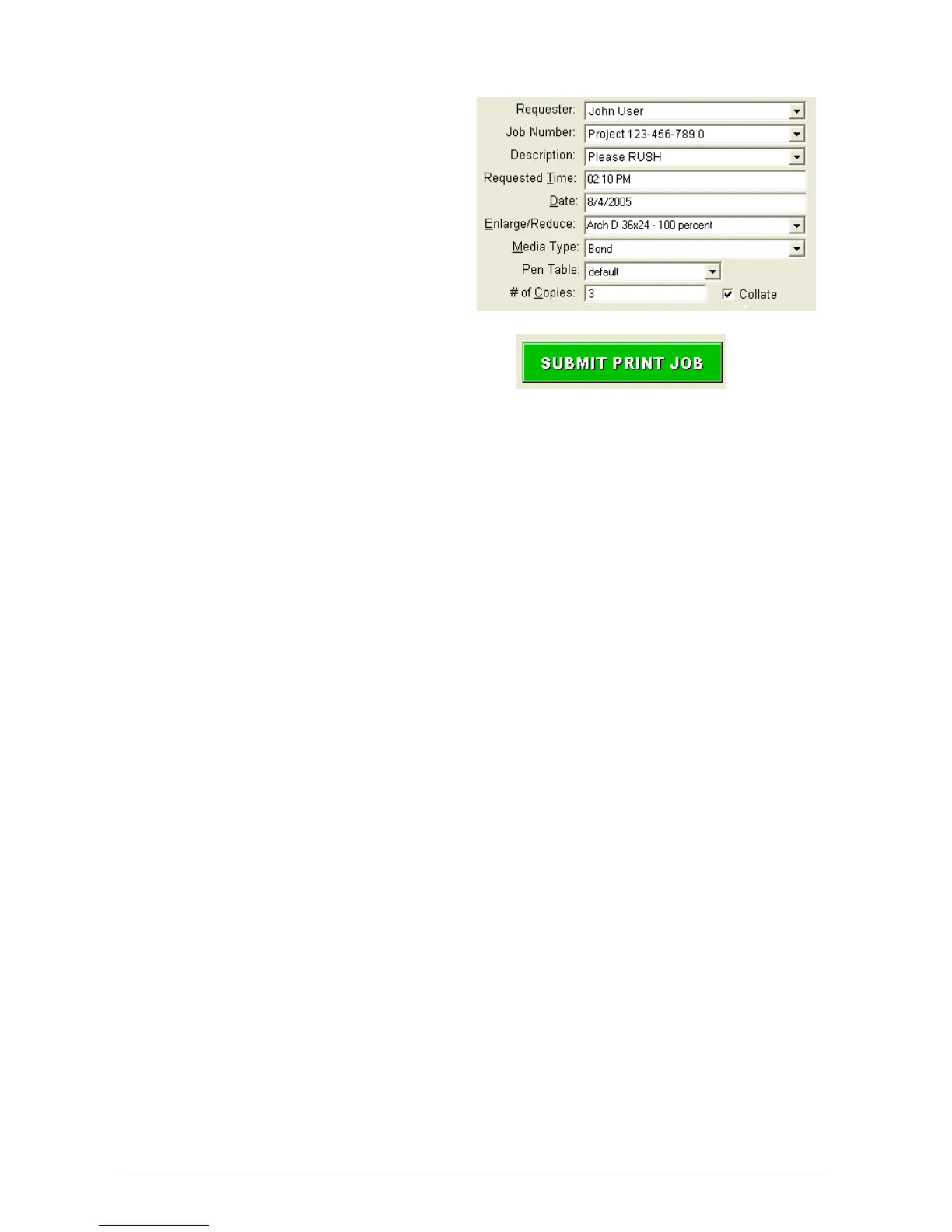
6) Complete any Key Job Settings that
may be required such as user name,
zoom, media type, collation and
number of copies / sets.
7) Press the Submit Print Job button.
8) The files selected will be printed.
NOTE:
Later in this manual, descriptions of custom settings which you may wish to apply to prints,
are detailed. Custom settings should be configured prior to selection of the files.



 To Next Page