Section 10 KIP Request 10-54
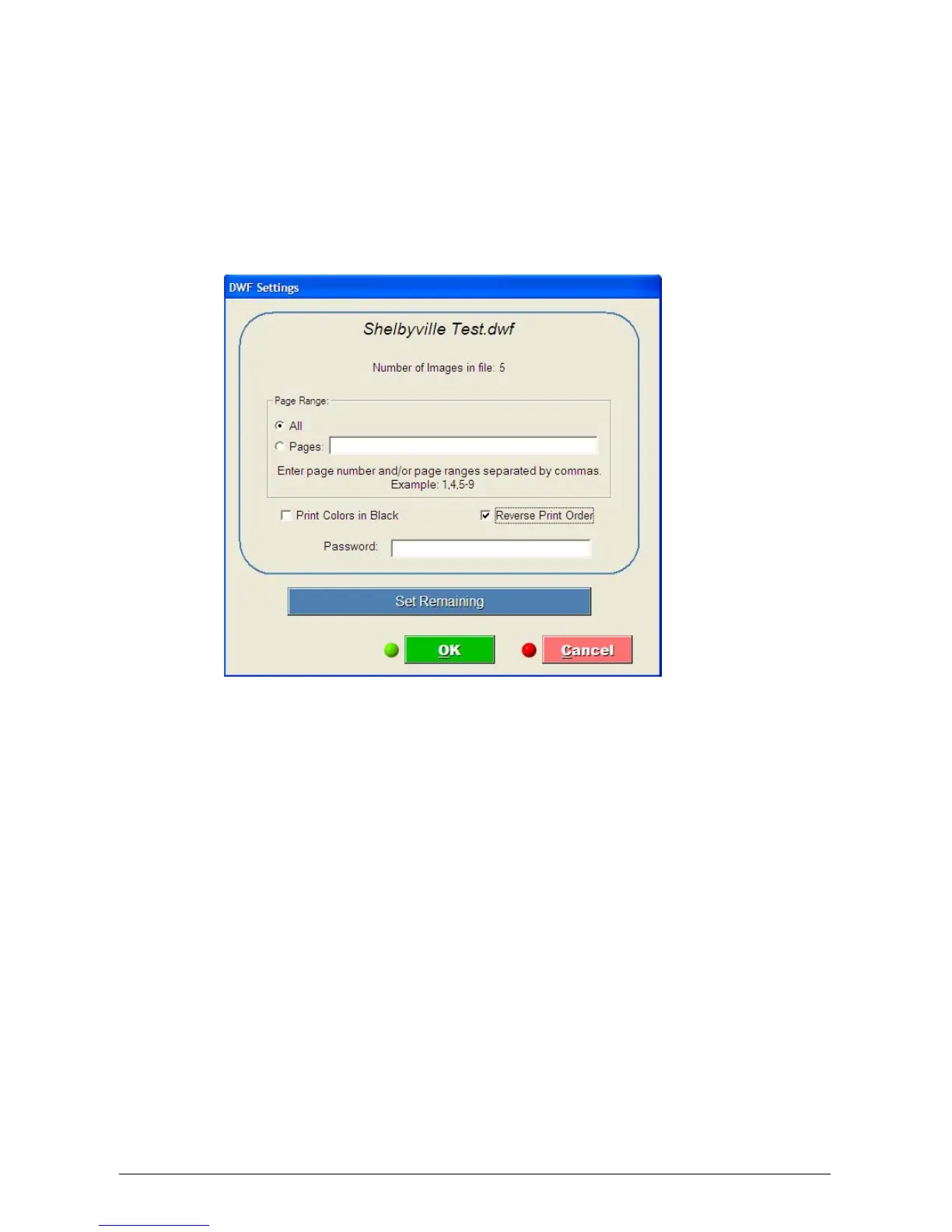
After clicking on “Submit Print Job”, a DWF settings window will appear.
This will allow the user to:
a) Print all pages in a multi-page .dwf file or only the desired pages.
b) Select to Print Colors in Black to change all of the lines / areas to print solid black
and not gray.
c) Choose “Reverse Print Order”
d) Enter a password if the DWF files was created with password protection.



 To Next Page