11-22 Section 11 KIP Print Net
5.4 Job History
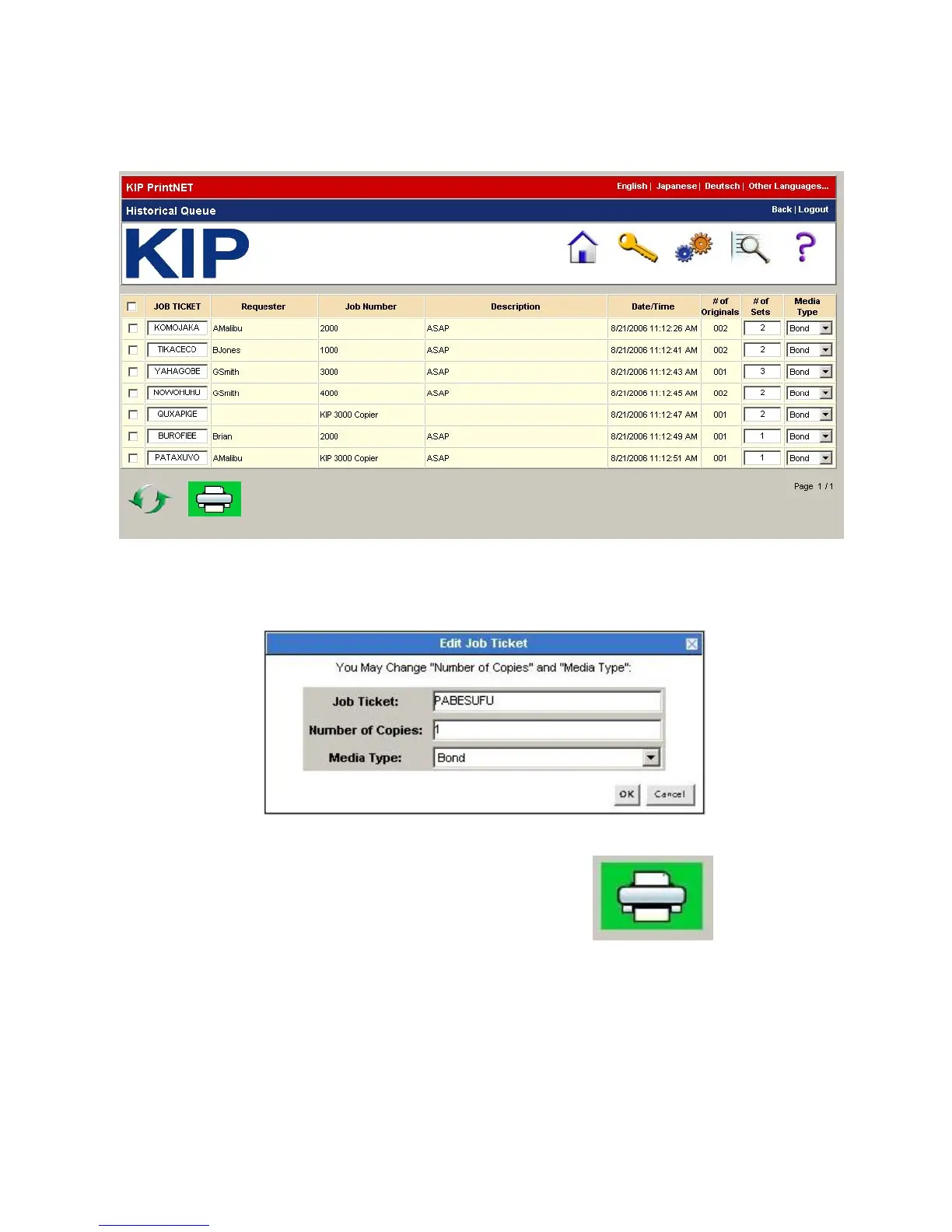
The Job History screen displays a list of jobs that have been printed.
To edit a job, right click on the Job Ticket name. The following screen shows up and you
can then change the number of copies and media type.
Click on the Print icon to re-submit the jobs selected.



 To Next Page