OPERATION DETAILED CONTROLS AND GAUGES
3-69
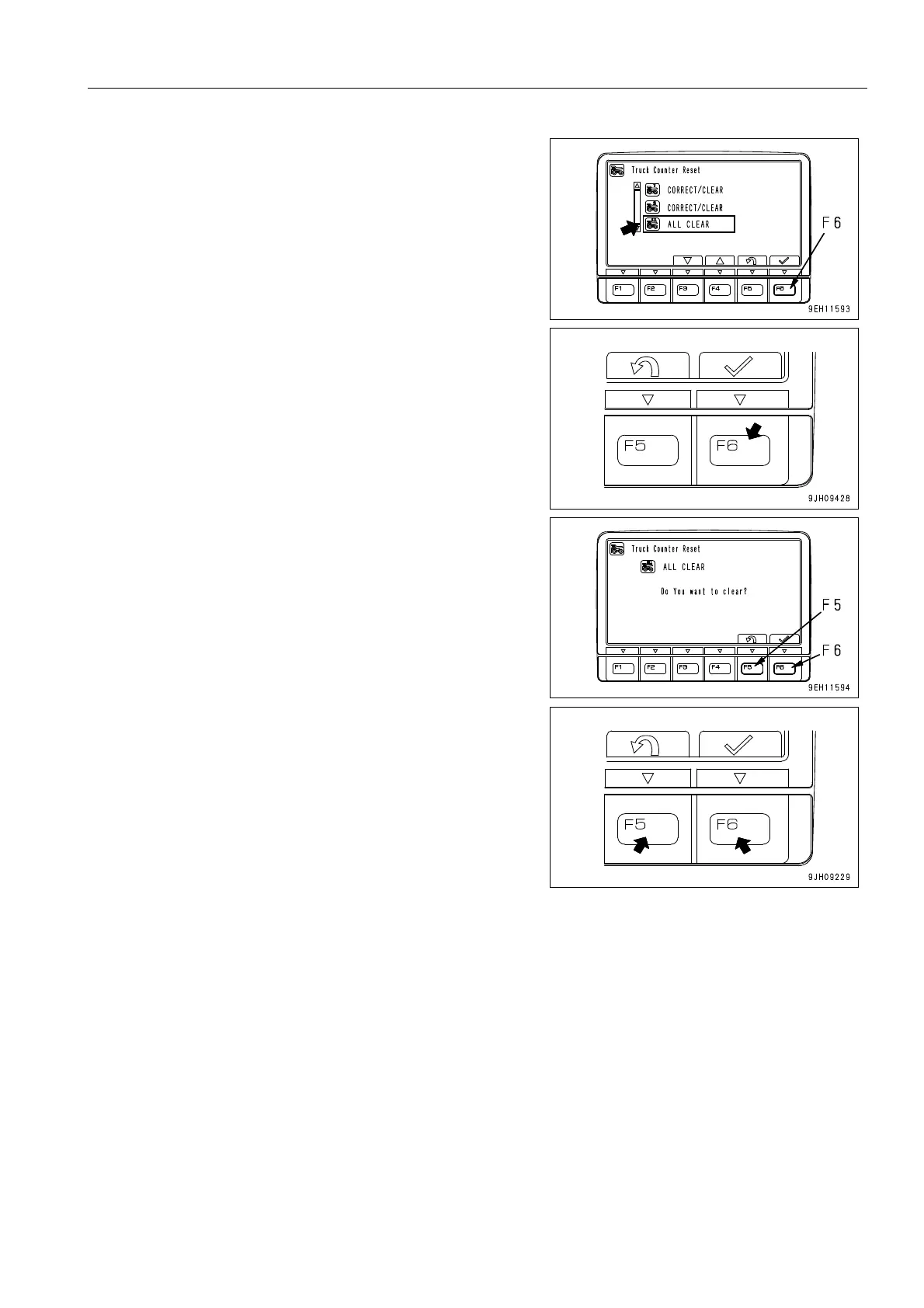
3) When resetting all the truck counters, select ALL CLEAR,
then press function switch F6. The screen will switch to
the ALL CLEAR screen.
When the ALL CLEAR screen is displayed, press function
switch F6 to confirm.
q After confirming, press function switch F5 to return to
the previous screen.
q If no switch is operated after confirming, the screen will
return to the previous screen after 30 seconds.











 To Next Page