OPERATION DETAILED CONTROLS AND GAUGES
3-129
Time Reset Button
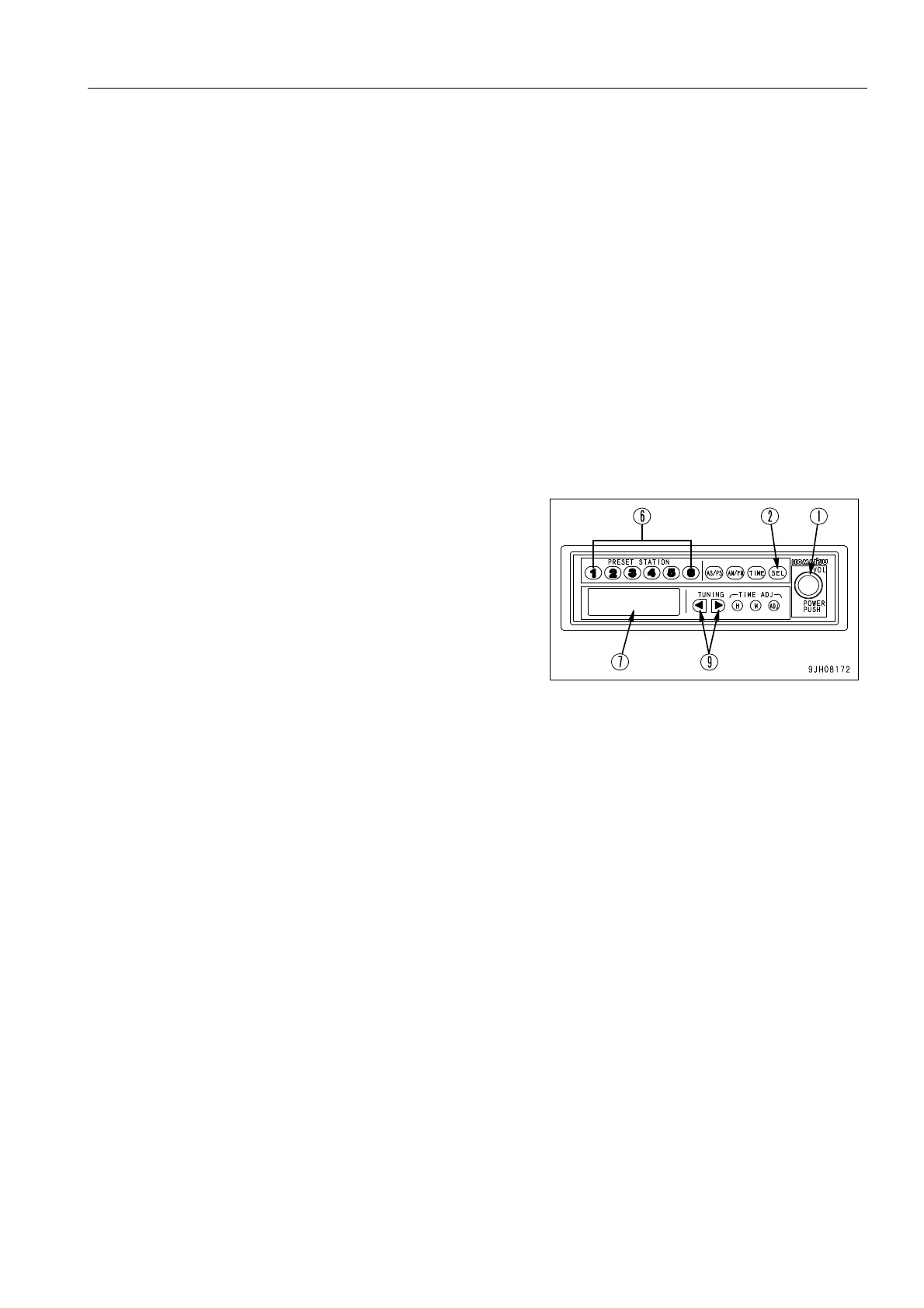
Use this button (8) when adjusting the time. For details of the method of adjusting the time, see “Setting Correct
Time (3-131)“.
H: Hour
M: Minute
ADJ: Sets to 00 minutes
Tuning Button (TUNING)
Use this button (9) to change the frequency.
For further details, see “Method of Tuning (3-130)“
Controls of Radio 3
Method of Setting with Preset Button
1. Press power switch (1) and display the frequency on dis-
play (7).
2. Use tuning button (9) to set to the desired frequency. There
are two methods for tuning: auto tuning and manual tuning.
3. With the display (7) showing the desired frequency, keep
the desired Preset button No pressed for at least 1.5 sec-
onds. The reception sound will disappear, but when the
presetting operation (saving to memory) is completed, the
sound will appear again and the Preset No and frequency
will be shown on the display to show that the presetting
operation has been completed.
After completing the presetting, press Preset button (6)
and release it within approx. 1.5 seconds. This will make it
possible to receive the channel preset to that button. One
channel each for AM and FM can be preset to each Preset
button.
It is also possible to save to the Preset button by using the auto
store button.











 To Next Page