OPERATION DETAILED CONTROLS AND GAUGES
3-131
Setting Correct Time
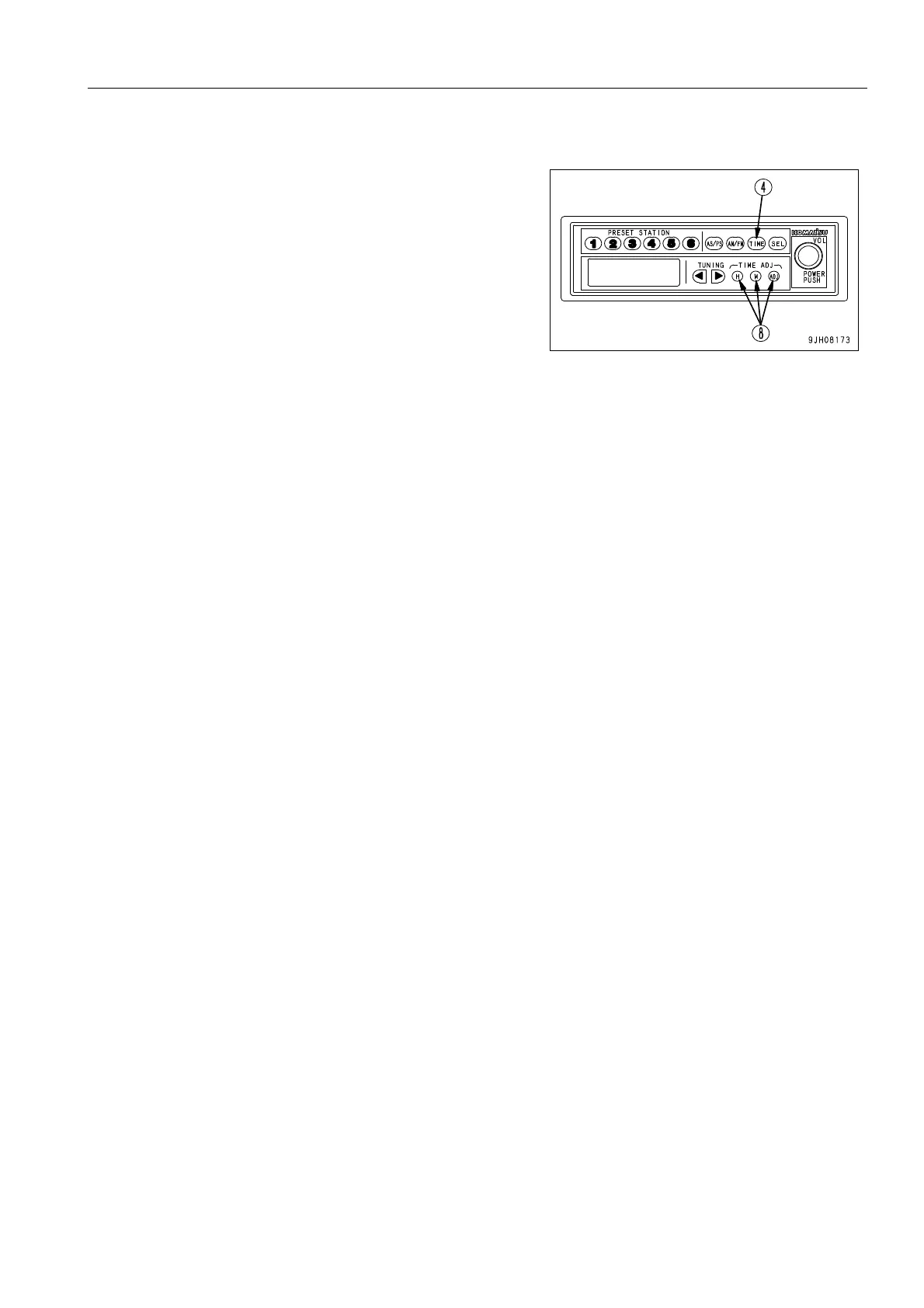
1. Press display selector button (4) to display the time.
After 5 seconds, the display will return to the frequency dis-
play and the time cannot be corrected. If this happens,
press display selector button (4) again.
2. Press time adjustment button (8) to select Hour or Minute.
H button: Adjusts the hour (each time the button is
pressed, the time advances by one hour)
M button: Adjusts the minute (each time the button is
pressed, the time advances by one minute)
q If the H or M button is kept pressed, the time will
advance continuously until the button is released.
ADJ button: When the ADJ button is pressed, the time is
reset as follows.
q When display is 00 - 05 minutes, time is returned to 00
min. 00 sec. (No change in hour)
(10:05 J 10:00)
q When display is 55 - 59 minutes, time is advanced to
00 min. 00 sec. (Hour advances)
(10:59 J 11:00)
q When display is 06 - 54 minutes, time cannot be reset.
(Time stays same)
(10:26 J 10:26)
Use the H, M, and ADJ buttons to set to the correct time.











 To Next Page