DETAILED CONTROLS AND GAUGES OPERATION
3-126
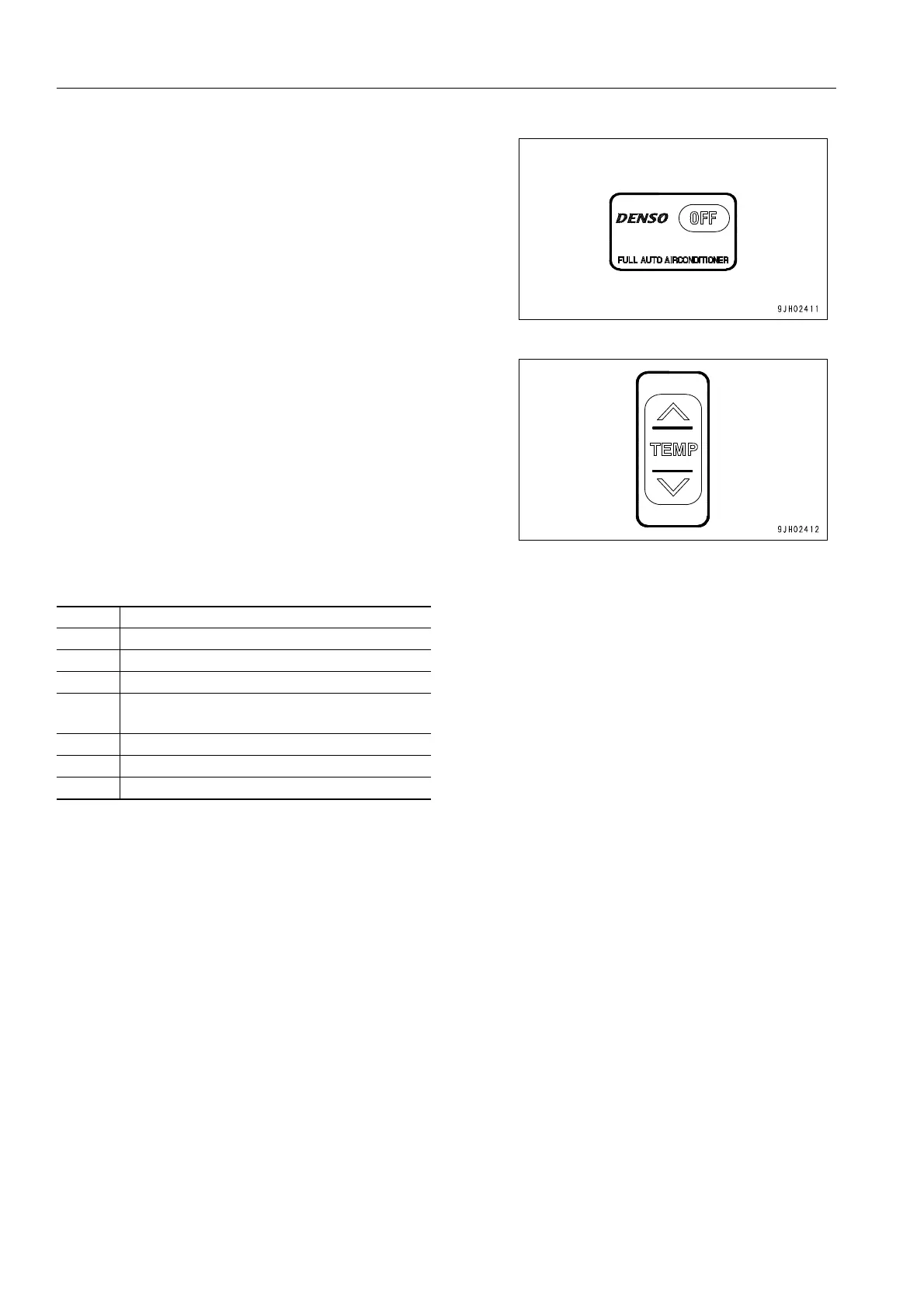
2. Press OFF switch (1). The temperature setting and air flow
display on the liquid crystal display portion go out and
operation stops.
3. If the “
∨“ and “∧“ parts of temperature setting switch (3) are
kept pressed at the same time for at least 3 seconds, the
troubleshooting mode is displayed on the liquid crystal dis-
play portion.
<Monitor display and failure mode>
q When more than one failure is detected, press the “
∨“ or “∧“ portion of temperature setting switch (3) to dis-
play the failures in turn.
q After completing the troubleshooting, press OFF switch (1) again to return to the normal display.
If any problem is detected by the self-diagnostic function, contact your Komatsu distributor perform inspection and
repair.
Display Failure mode
E-- No failure
E11 Disconnection in recirculated air sensor
E12 Short circuit in recirculated air sensor
E15
Disconnection in coolant temperature sen-
sor
E16 Short circuit in coolant temperature sensor
E43 Problem in vent damper
E44 Problem in air mix damper











 To Next Page