5
Specifying printer driver settings
5-8 IC-206
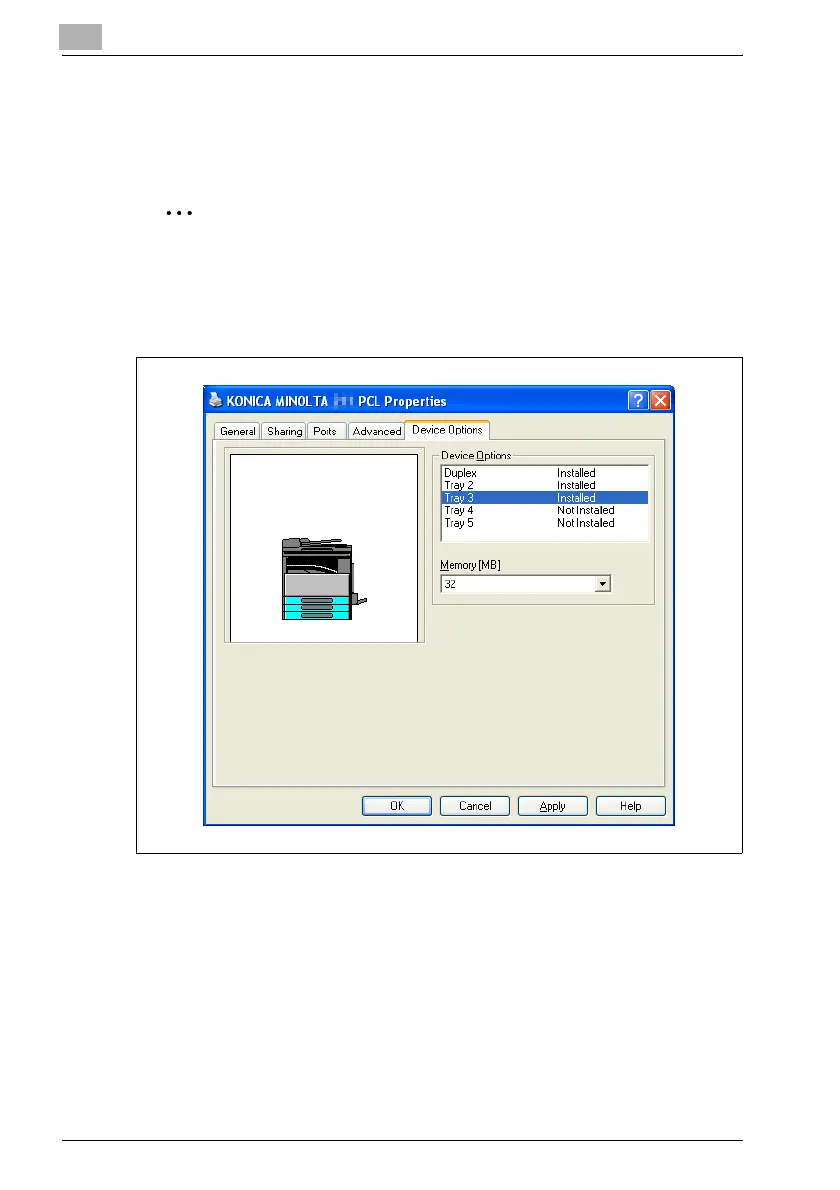
Properties dialog box
Installed options can be selected from the Properties dialog box for the
printer driver.
2
Reminder
If the options installed on the machine are not specified from the Device
Options tab, the functions available with the option cannot be used from
the printer driver. Be sure to specify the corresponding settings when
options are installed.












 To Next Page