Network settings
8
IC-206 8-43
Specifying the POP3 password
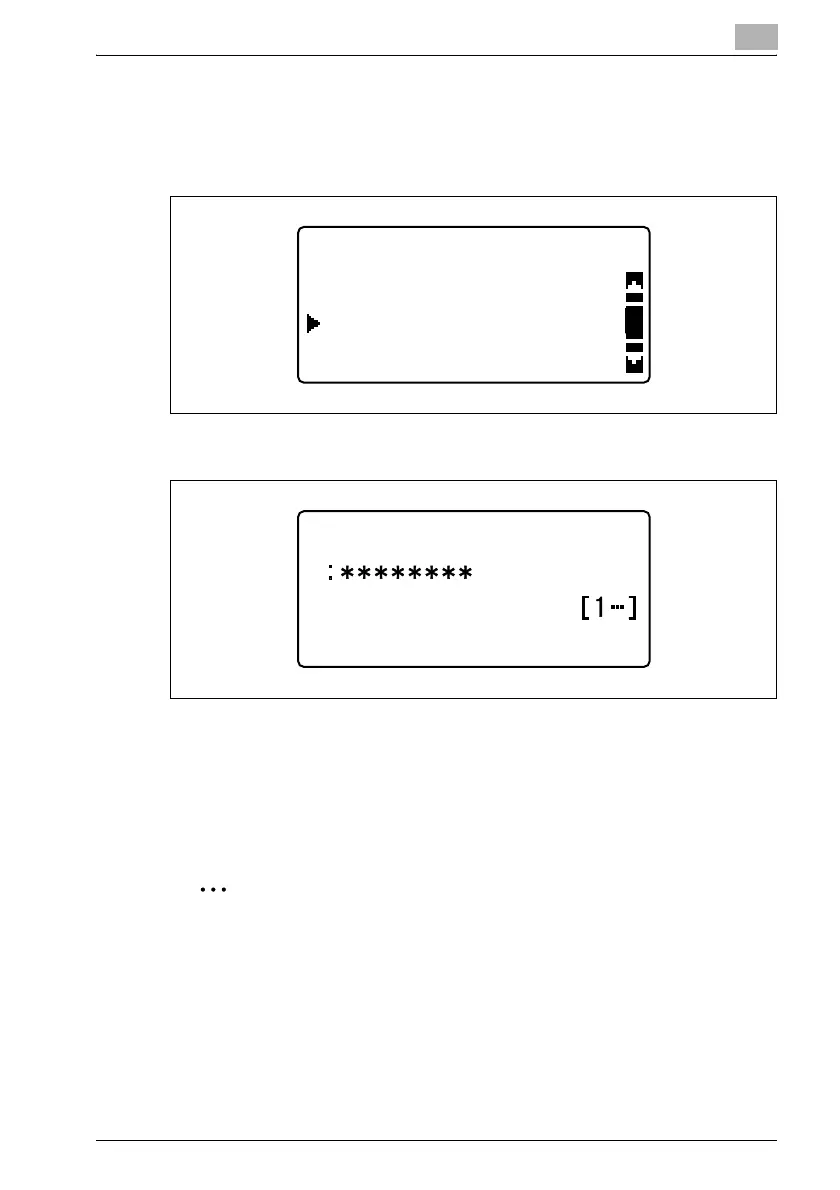
1 In the "E-MAIL SETTING 2" menu, press the [,] or [+] key until "POP3
PASSWORD" is selected, and then press the [OK] key.
2 Type in the password.
– The password can contain a maximum of 32 characters.
– For the password, consult with the network administrator.
3 Press the [OK] key.
After the message "ACCEPTED" appears, the "E-MAIL SETTING 2"
menu appears again.
2
Note
If a number was incorrectly entered, press the [Clear/Stop] key to erase
the number, and then type it in correctly.
E-MAIL SETTING 2
POP3 PASSWORD
POP3 ACCOUNT
RETURN
POP3 PASSWORD












 To Next Page