12
Using PageScope Web Connection
12-22 IC-206
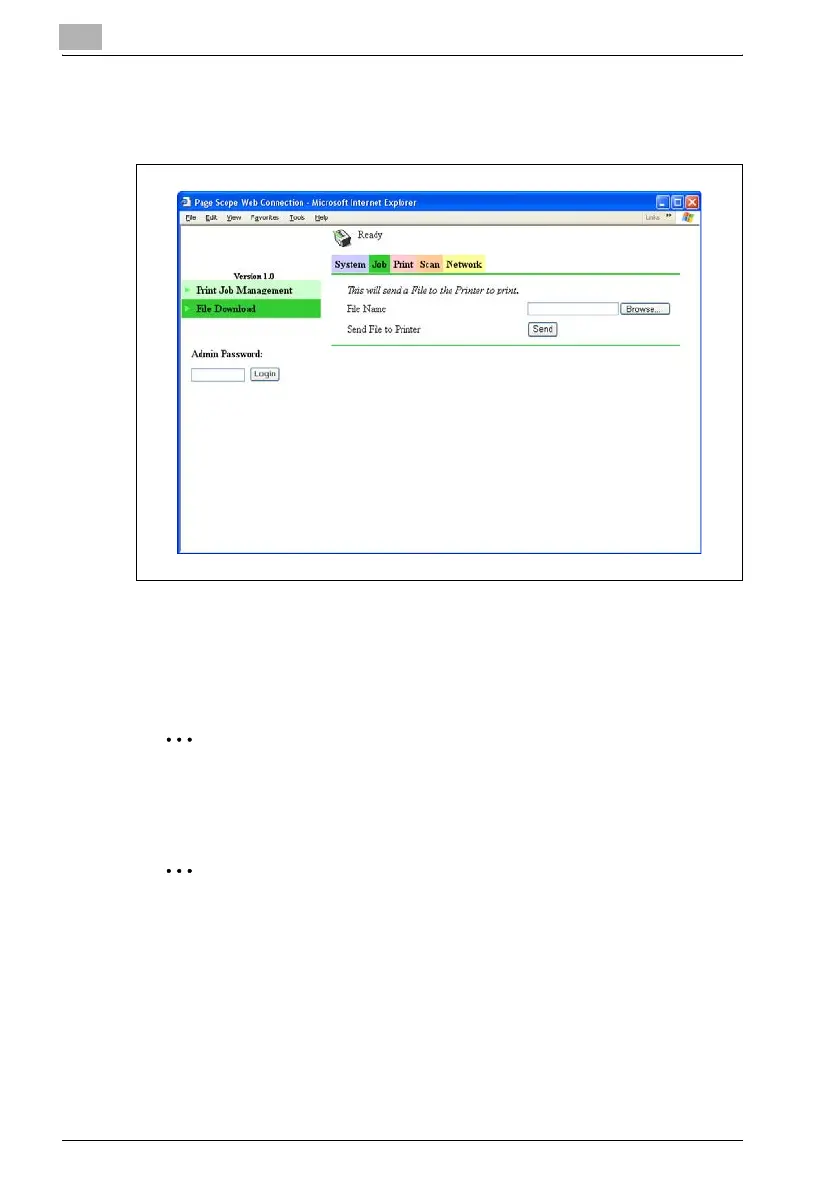
Job tab — File Download
A specified file can be downloaded to this machine to be printed.
1 Click the [Browse] button, and then select the file.
2 Click the [Send] button.
The file is downloaded to this machine, then printed.
2
Reminder
Downloading the file is possible only if image controller IC-206 is
installed.
2
Note
Some files cannot be printed, depending on their file format. Files in the
following file formats can be printed.
PCL, Text
When downloading files in formats other than those listed above, the files
may corrupted or may not be printed correctly.












 To Next Page