5
Specifying printer driver settings
5-20 IC-206
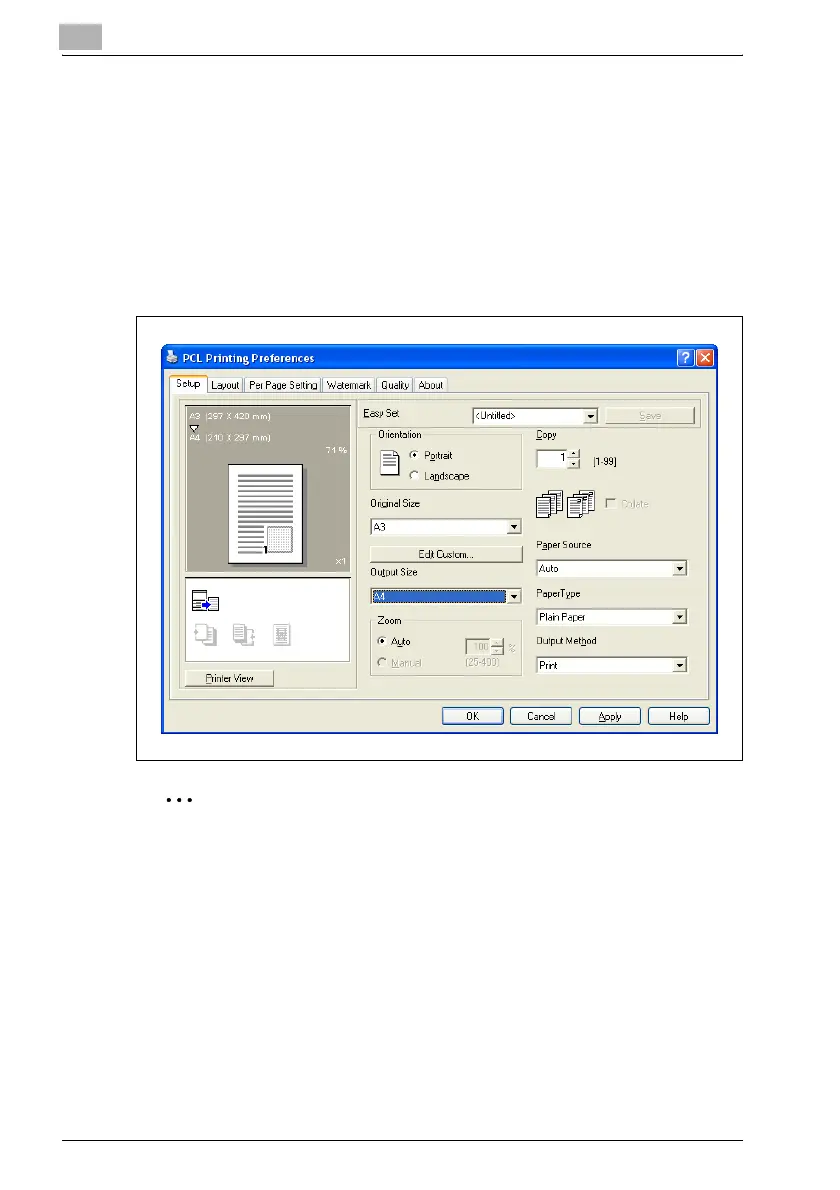
Output Size
% Select the size of paper that is to be used for printing.
– The available standard paper sizes are same as those available in
the "Original Size" list.
– If the paper size is different from the size selected in the Original
Size list, the document image will be printed enlarged or reduced
so that it fits in the selected paper size.
– The enlargement/reduction ratio to be used for printing can be
checked in the Paper preview.
2
Note
If "Manual" is selected in the "Zoom" group box, a setting cannot be
selected from the "Output Size" list.
If any setting other than "Off" is selected in the "Combination" list on the
Layout tab, a setting cannot be selected from the "Output Size" list.












 To Next Page