Performing a scan to e-mail operation
10
IC-206 10-35
Selecting the file format
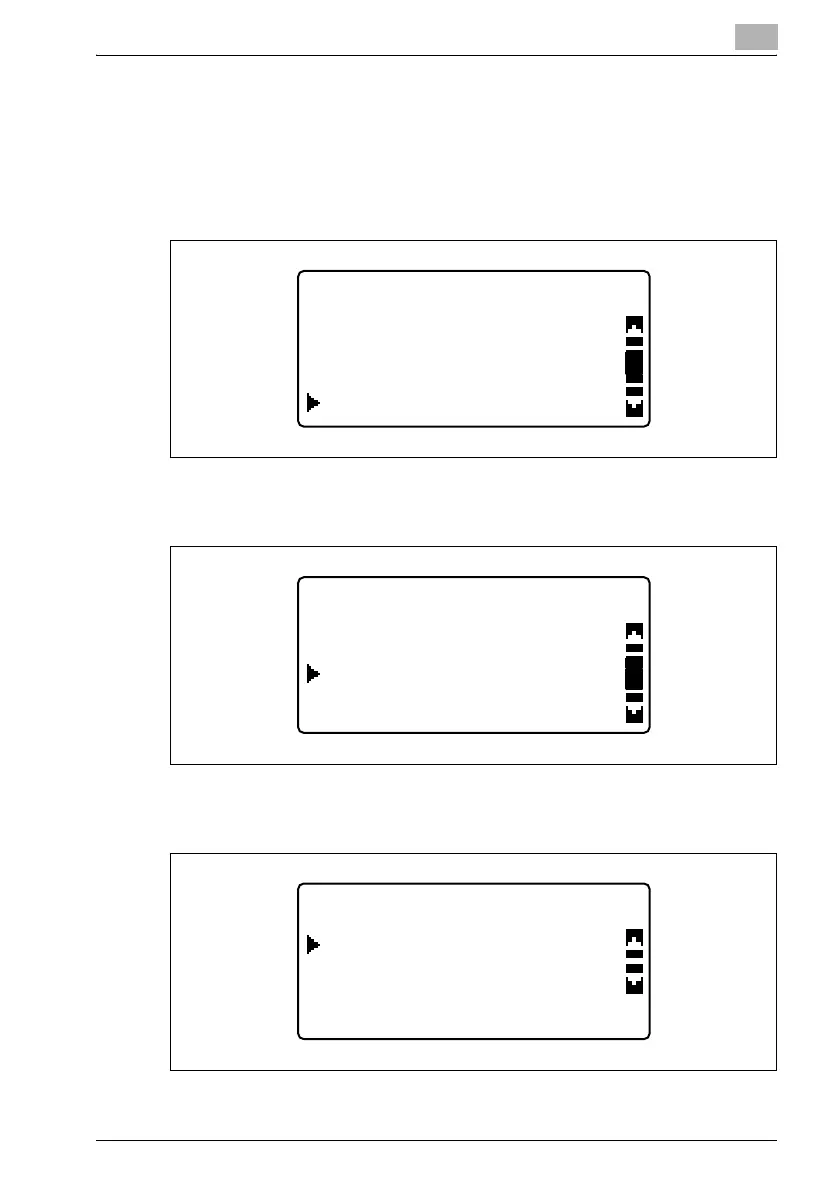
1 Press the [Utility] key.
2 Press the [,] or [+] key until "SCAN SETTING" is selected, and then
press the [OK] key.
3 Press the [,] or [+] key until "IMAGE FORMAT" is selected, and then
press the [OK] key.
4 Press the [,] or [+] key until either "TIFF" or "PDF" is selected as the
desired file format.
UTILITY MODE
DIAL REGISTRATION
COPY SETTING 2
SCAN SETTING
SCAN SETTING
IMAGE FORMAT
RESOLUTION
CODING METHOD
IMAGE FORMAT
PDF
TIFF












 To Next Page