Specifying printer driver settings
5
IC-206 5-25
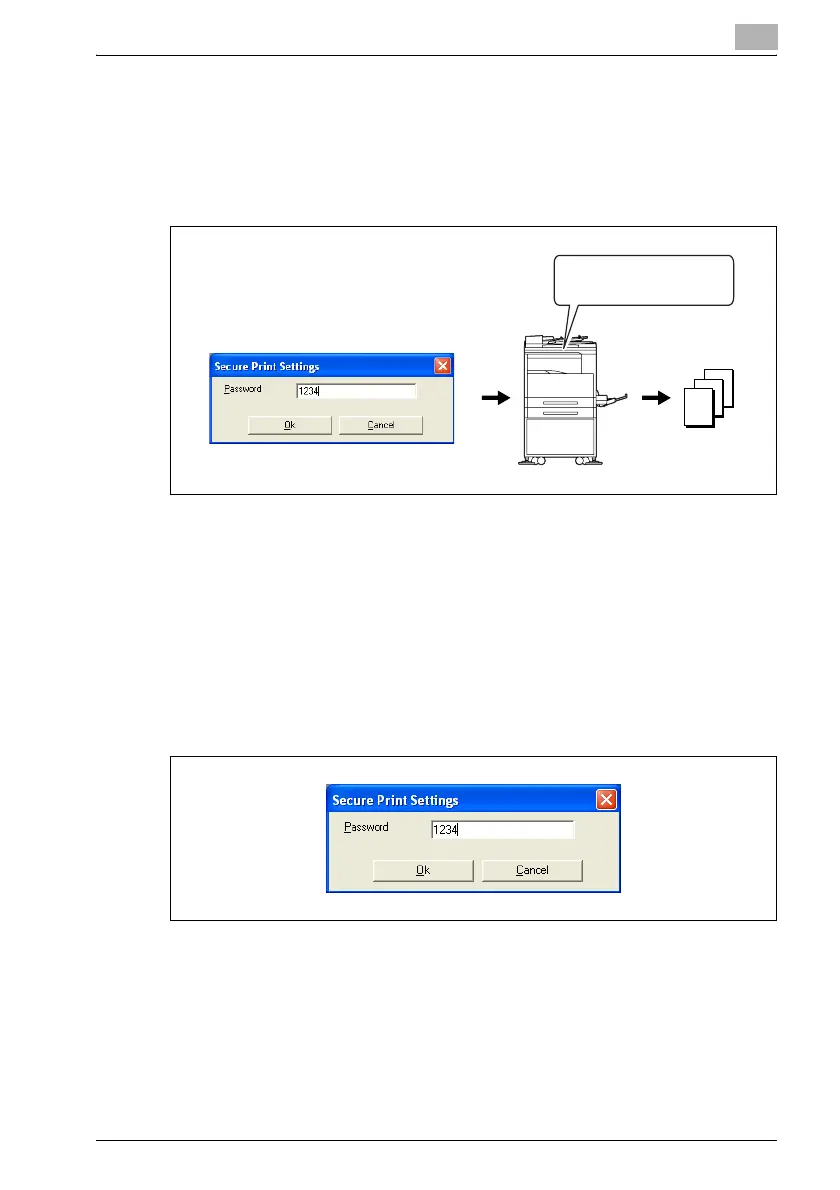
Using secure printing
A password can be specified for a document. The document printed from a
computer is temporarily saved in the machine’s memory and is printed when
the password is entered with the machine’s control panel. Select this setting
when printing highly confidential documents.
Specifying secure printing from the printer driver
1 Click the Setup tab.
2 From the "Output Method" drop-down list, select "Secure Print".
A screen appears, allowing you to type in the password.
3 Type in the password, and then click the [OK] button.
– Specify the 4-digit password between 0000 and 9999.
4 The print job is sent.
– Normal printing is performed when printing is specified from an
application.
Entering the password











 To Next Page