10
Performing a scan to e-mail operation
10-48 IC-206
Searching the LDAP server
1 Press the [Scan] key.
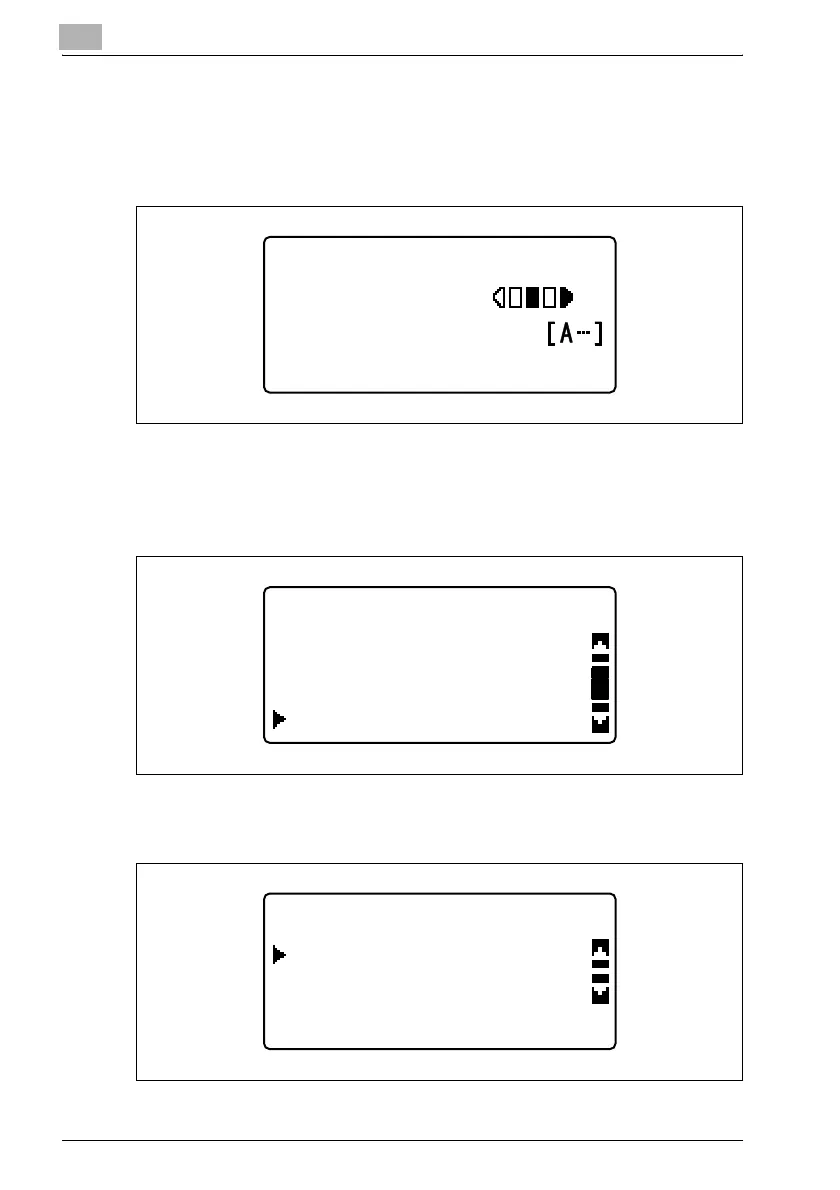
The machine enters Scan mode, and the Scan mode screen appears.
2 Press the [Phone Book] key.
3 Press the [+] or [,] key until "LDAP SEARCH" is selected, and then
press the [OK] key.
4 Select "NAME" or "E-MAIL" for the destination information to be
searched, and then press the [OK] key.
300x300dpi TIFF 100%
SET DESTINATION
TEXT/PHOTO
PHONE BOOK
SEARCH
LIST
LDAP SEARCH
LDAP SEARCH
E-MAIL
NAME












 To Next Page