9
Registering destinations
9-20 IC-206
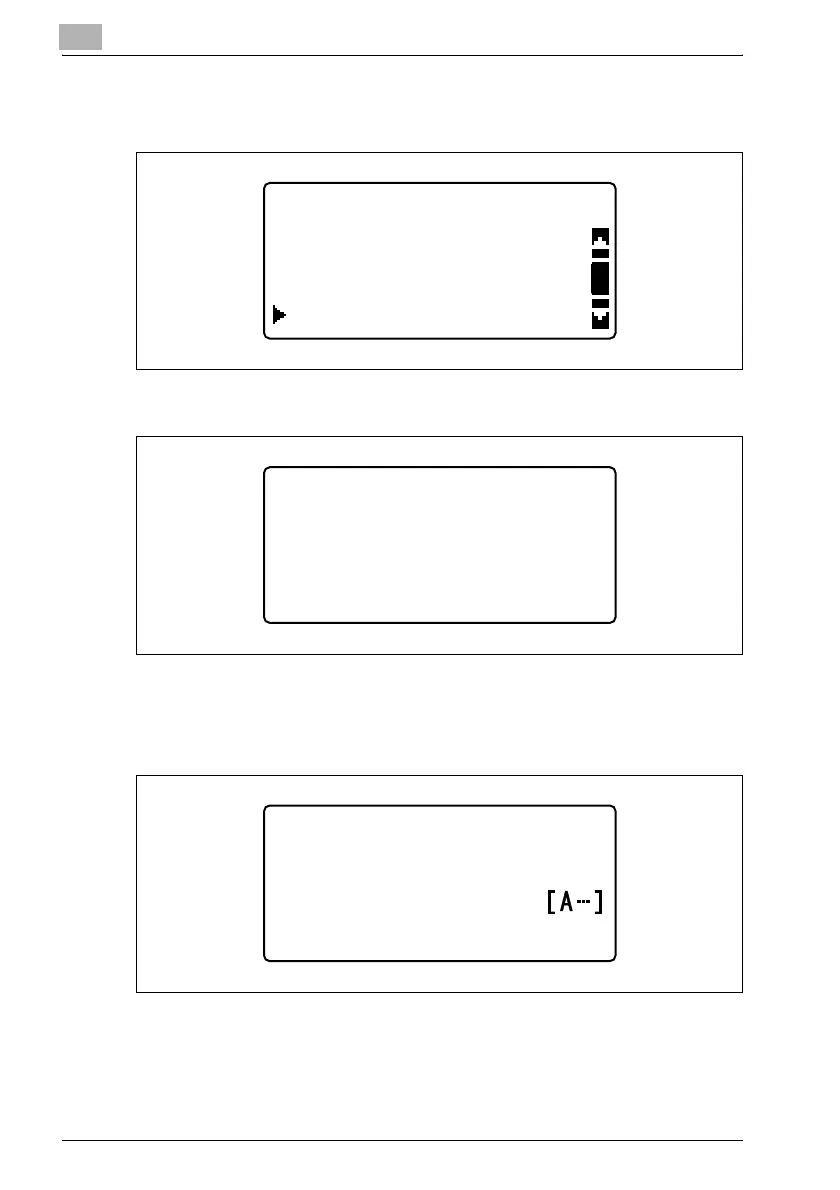
3 Press the [,] or [+] key until "GROUP DIAL" is selected, and then press
the [OK] key.
4 Press the one-touch dial key to be programmed for group dialing.
The number of the one-touch dial key to be programmed for group
dialing appears with a screen for registering settings.
5 Type in the name of the destination, and then press the [OK] key.
DIAL REGISTRATION
SPEED DIAL
ONE-TOUCH DIAL
GROUP DIAL
GROUP DIAL
-SELECT REGIST.KEY-
GROUP DIAL 10
:usergroup
NAME












 To Next Page