12
Using PageScope Web Connection
12-46 IC-206
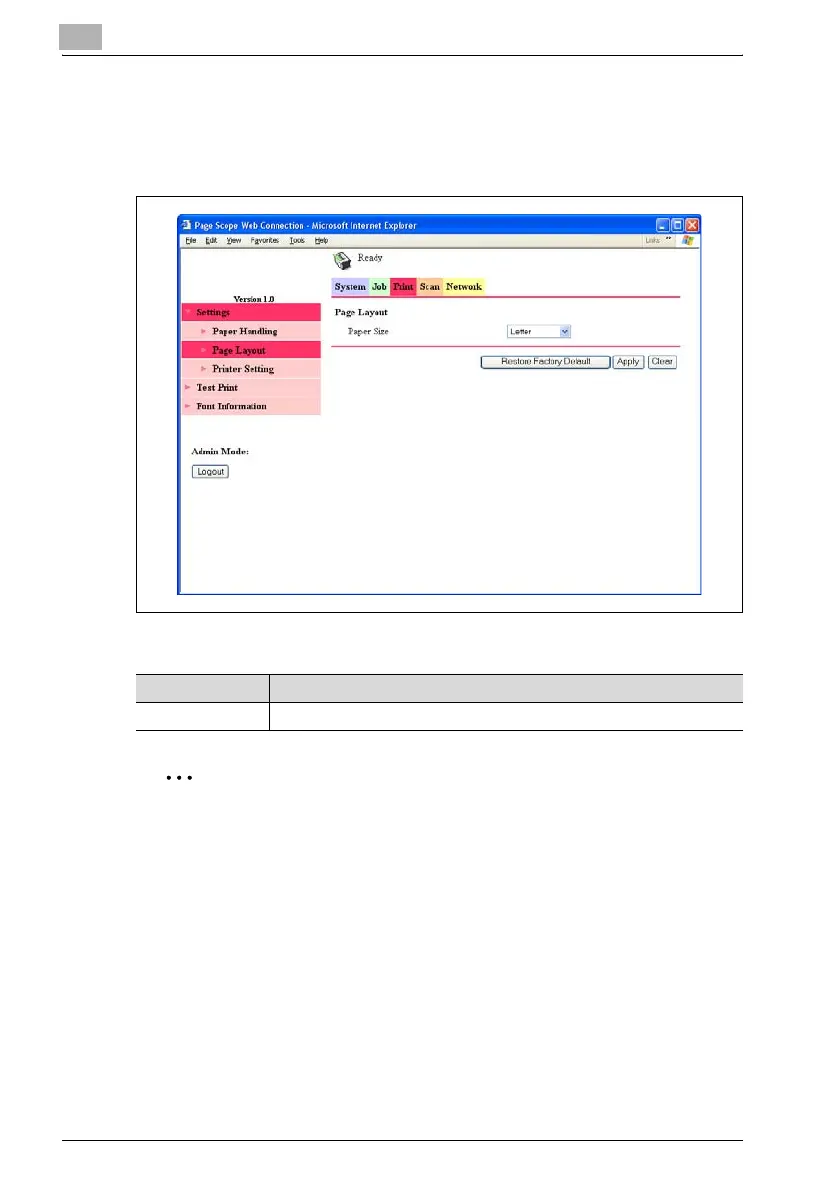
Print tab — Settings — Page Layout
The printer output paper size can be specified.
A print job sent with no settings specified is printed with these settings.
% To change the settings, specify the various settings, and then click the
[Apply] button.
2
Note
The Print tab appears only if the image controller IC-206 is installed.
To reset the settings to their defaults, click the [Restore Factory Default]
button.
Item Description
Paper Size Specify the paper size.












 To Next Page