Registering destinations
9
IC-206 9-29
Editing or deleting a group dial destination
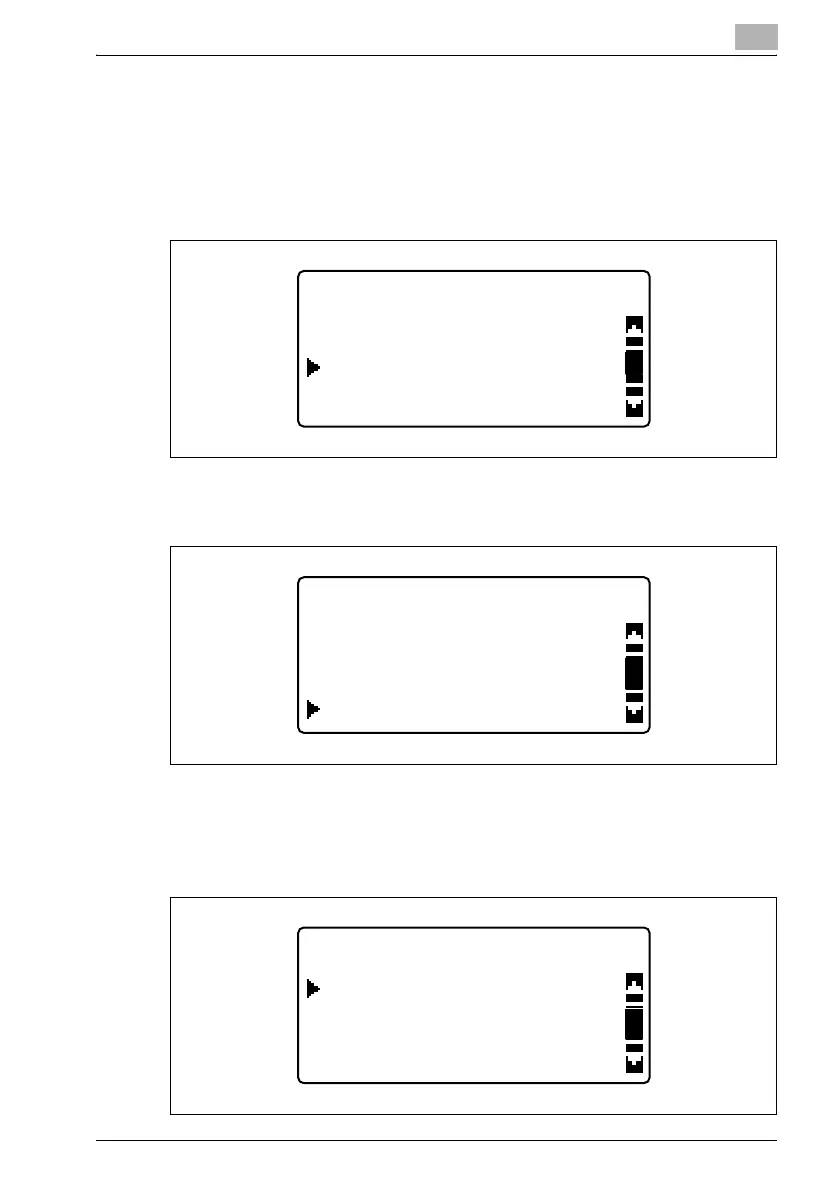
1 Press the [Utility] key in the control panel.
2 Press the [,] or [+] key until "DIAL REGISTRATION" is selected, and
then press the [OK] key.
3 Press the [,] or [+] key until "GROUP DIAL" is selected, and then press
the [OK] key.
4 Press the one-touch dial key programmed with the group to be edited
or deleted.
After the registered information is displayed, the following screen
appears.
UTILITY MODE
DIAL REGISTRATION
COPY SETTING 2
FAX REGISTRATION
DIAL REGISTRATION
SPEED DIAL
ONE-TOUCH DIAL
GROUP DIAL
GROUP DIAL 32
DELETE
EDIT
RETURN












 To Next Page